This website uses cookies. By using the site you are agreeing to our Privacy Policy.

This website uses cookies. By using the site you are agreeing to our Privacy Policy.
Supported:chrome 143・Firefox 146・Microsoft Edge 143
This simulator is a convenient tool for estimation only. It is not intended to provide exact measurements.The calculated figures may vary depending on usage and ambient conditions.The calculation result is from the lens center or front lens of projector. There may be a few % differences from the actual measurements.The size of projector is not accurate.
| Brightness | 6000lm | Brightness[Lens Dimming] | 6000lm |
|---|---|---|---|
| Resolution | 4K | ||
| Throw ratio[TR] | 0.34-0.37 | Zoom | x1.0-x1.1 |
|---|---|---|---|
| Lens shift | V±82%、H±35% | ||
Unit of measure:

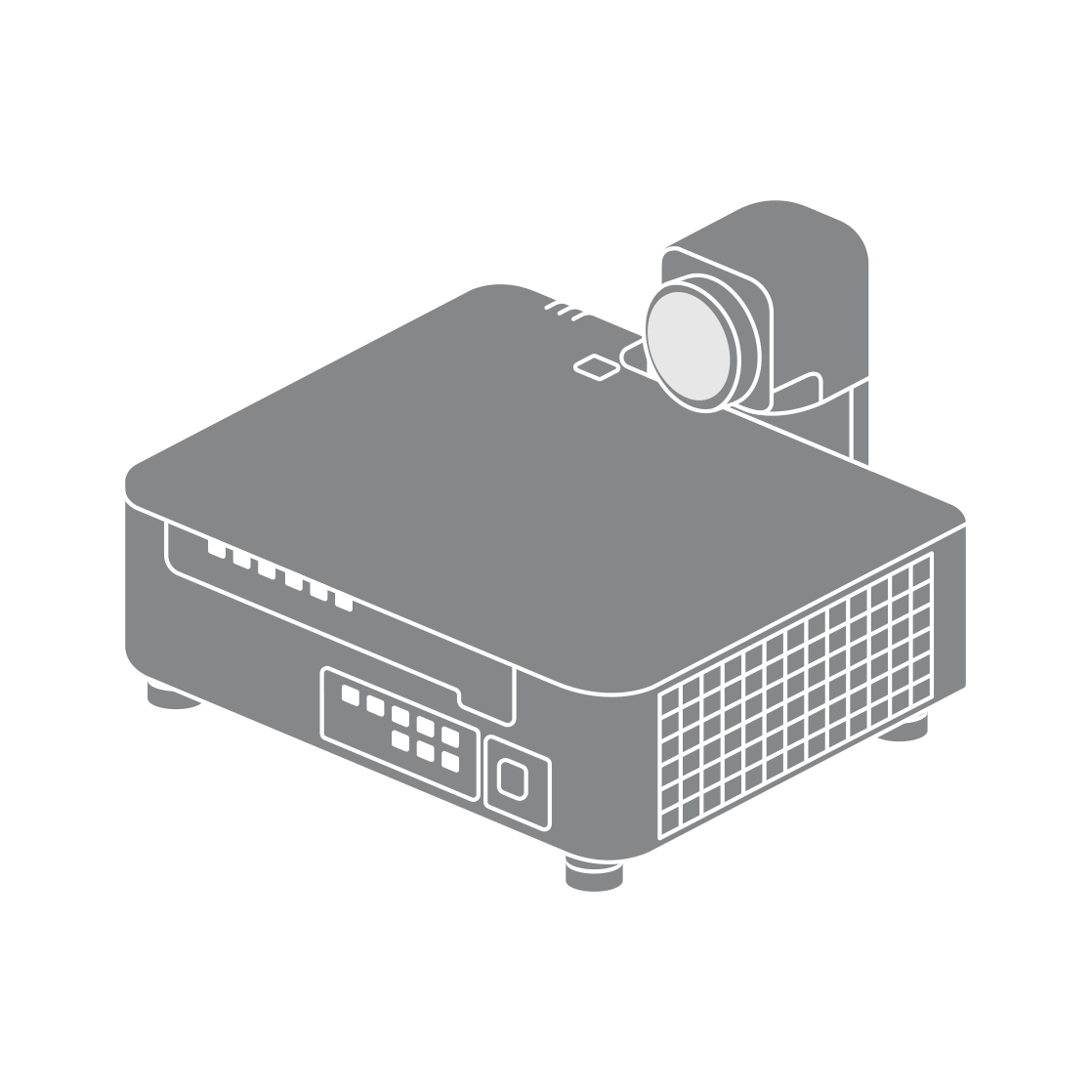
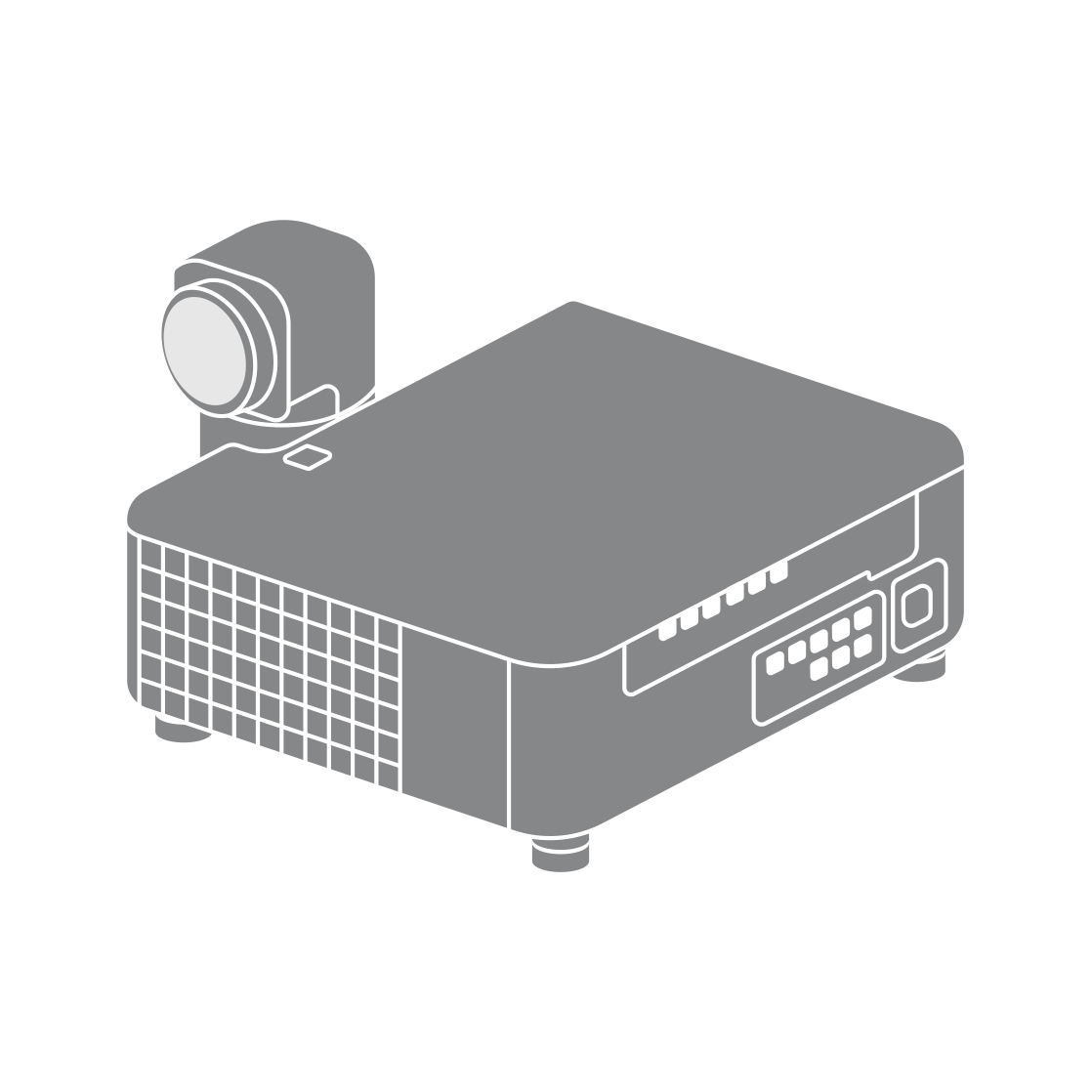
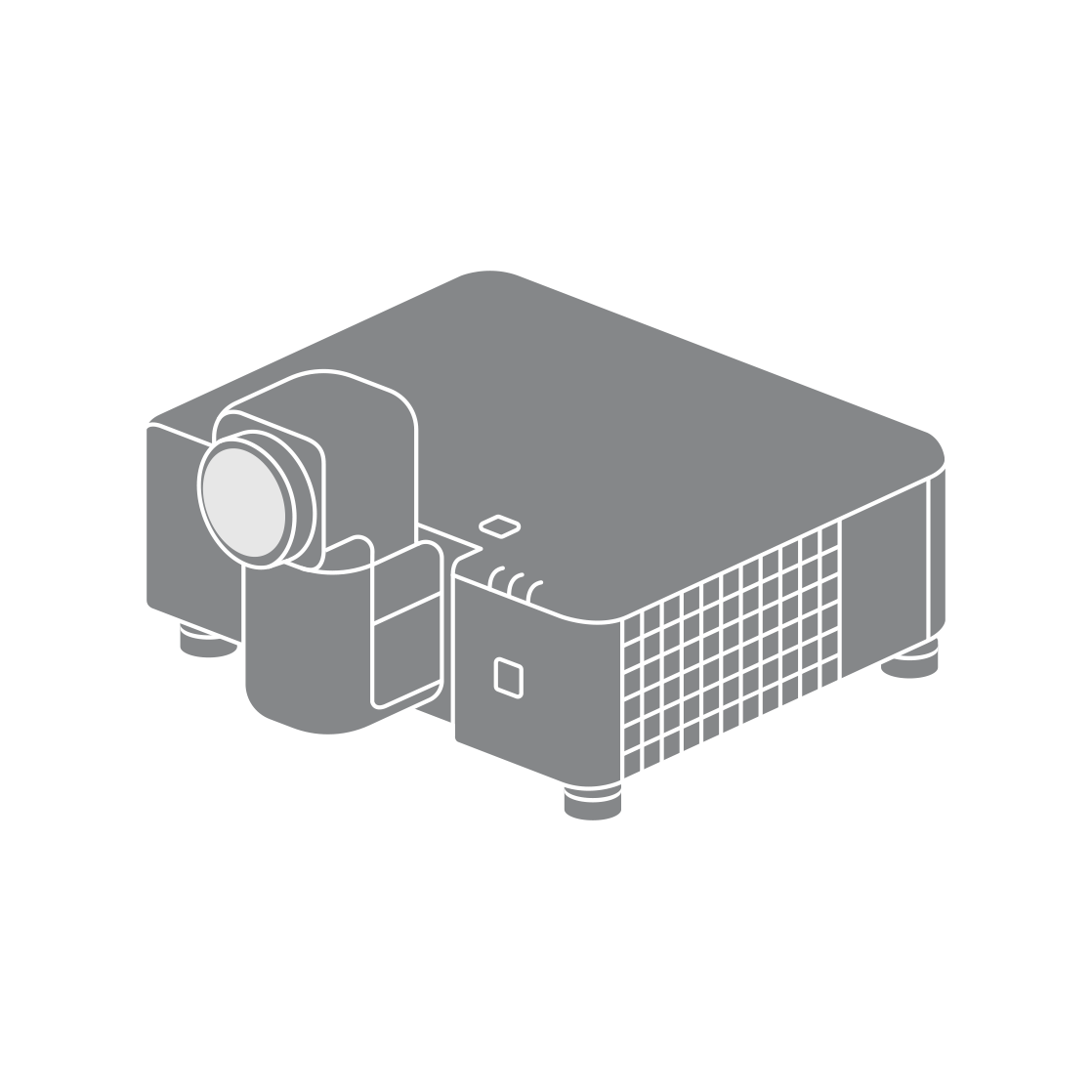
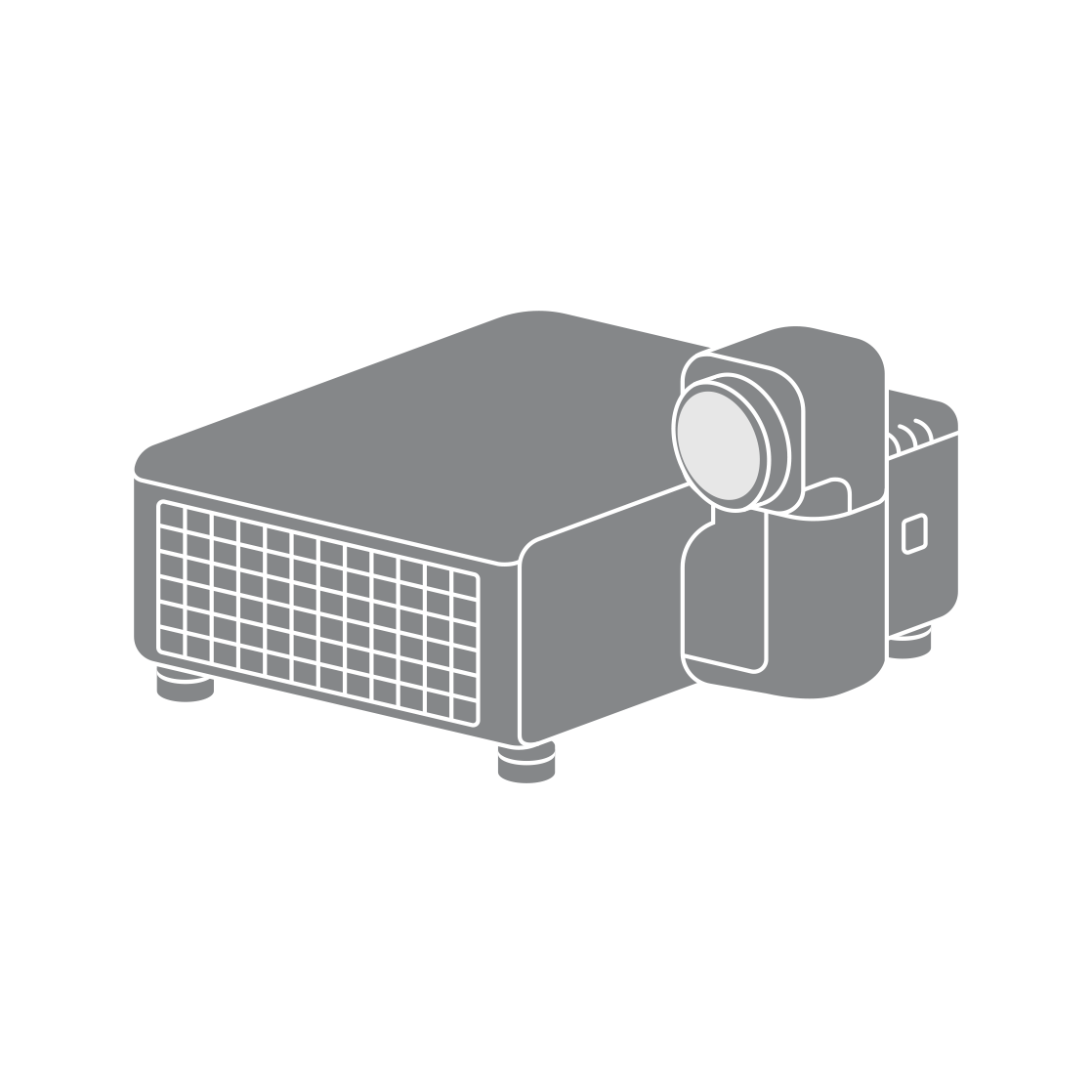


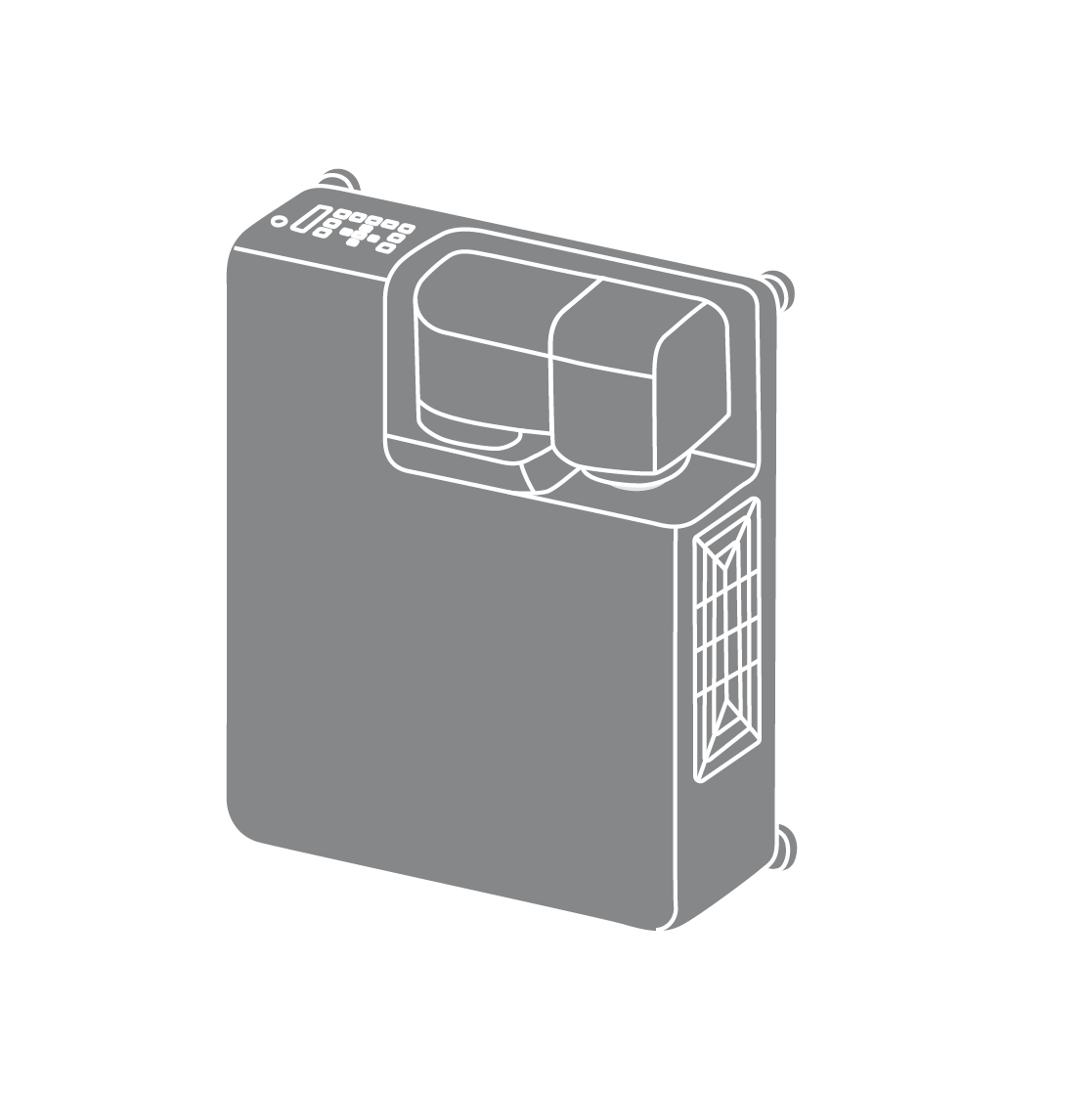
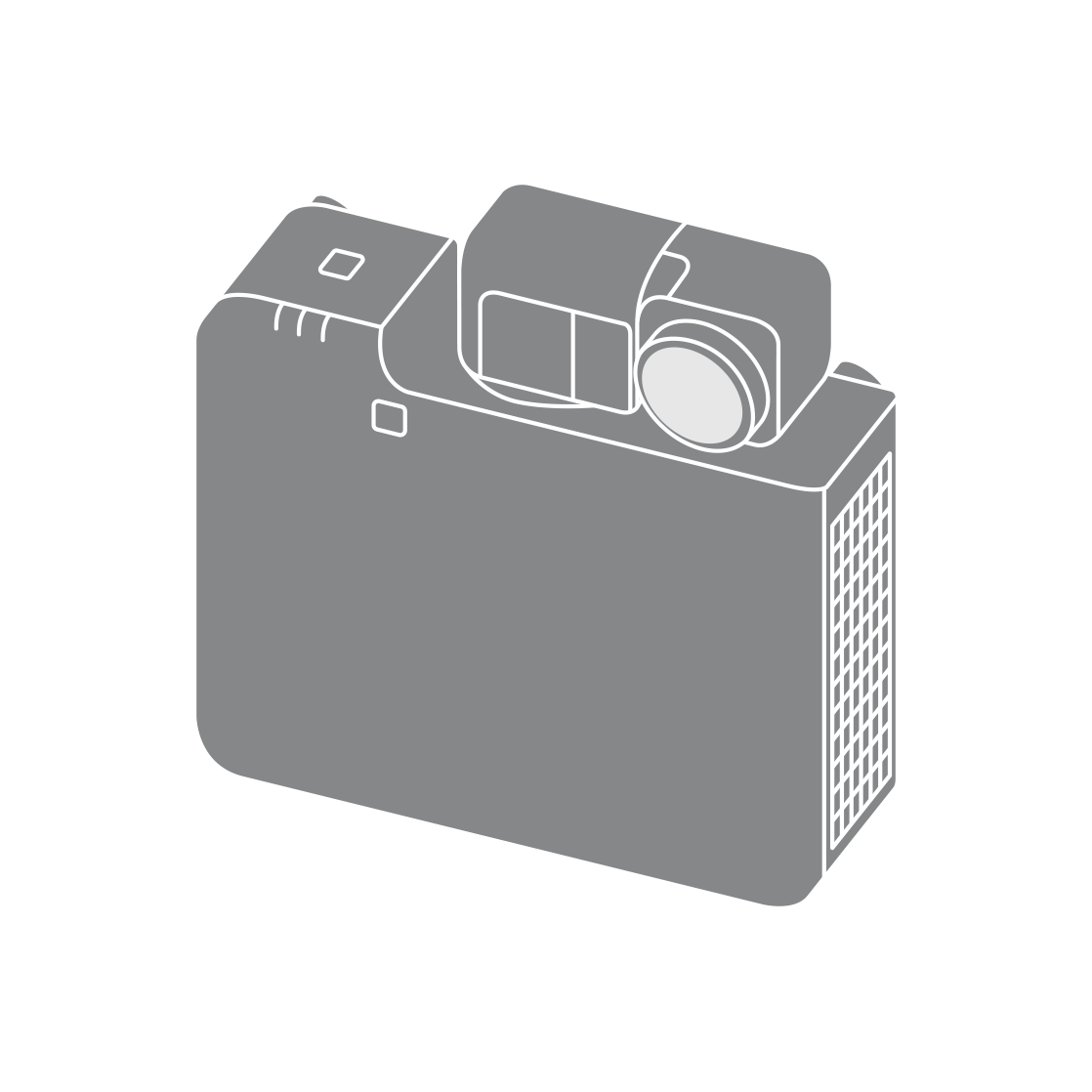
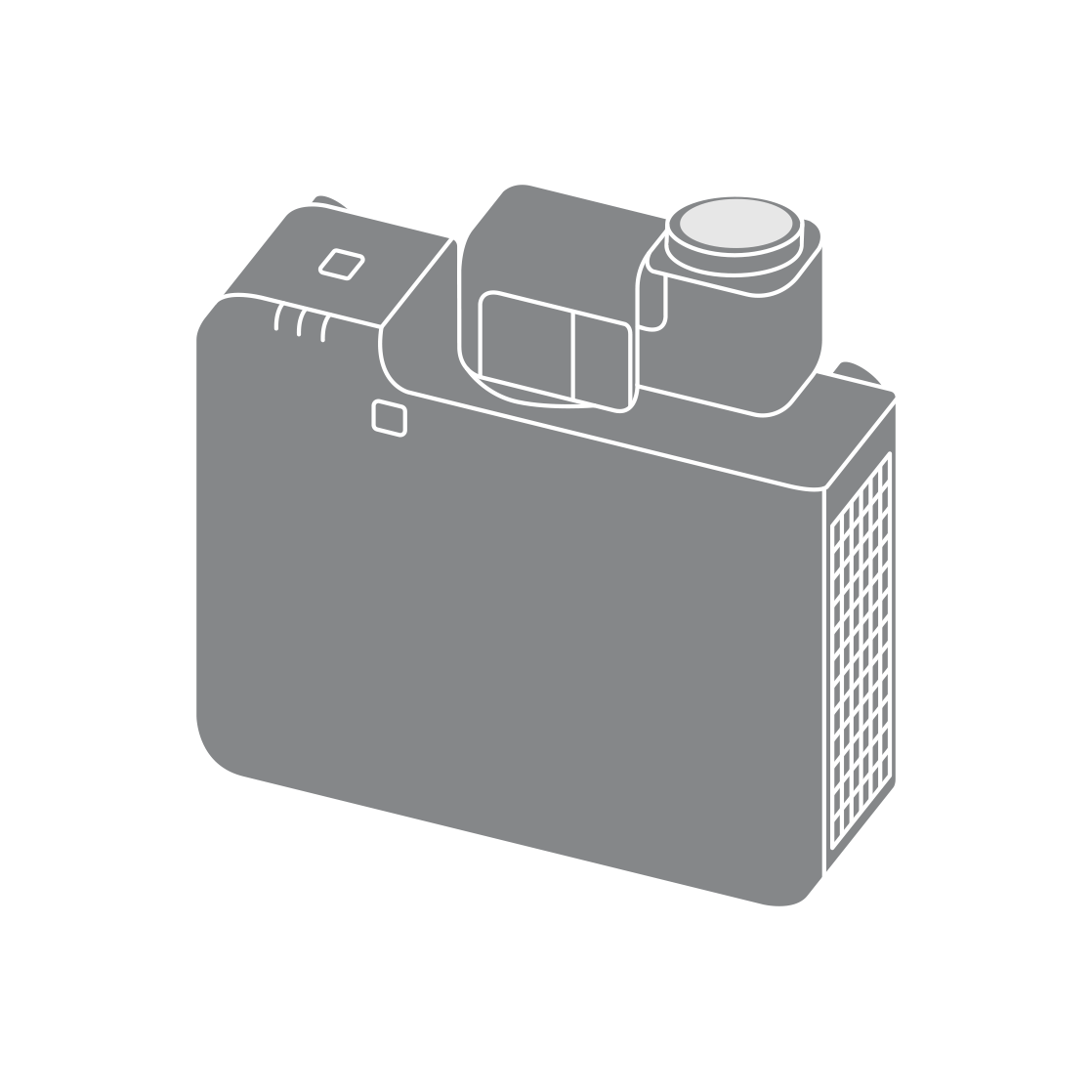
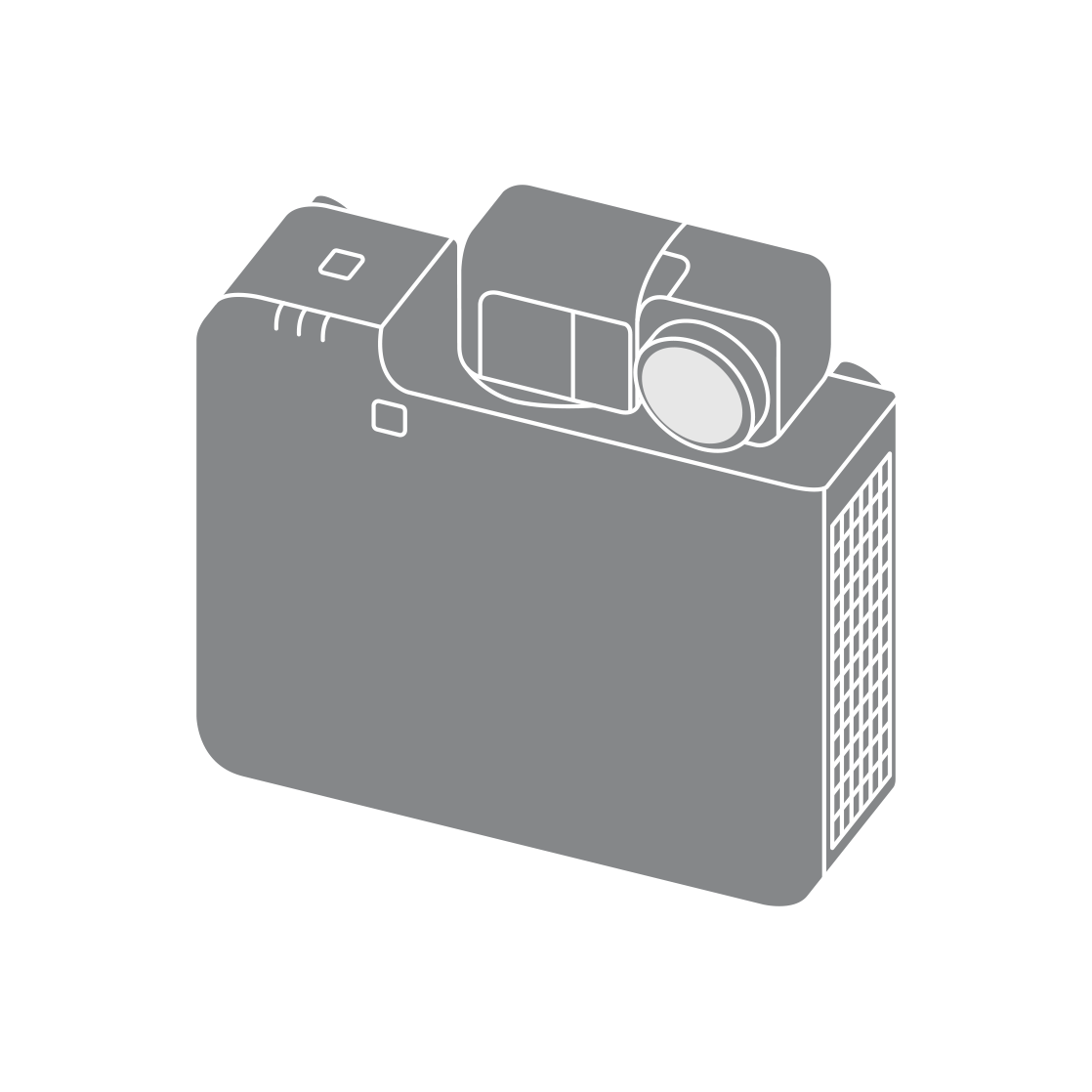
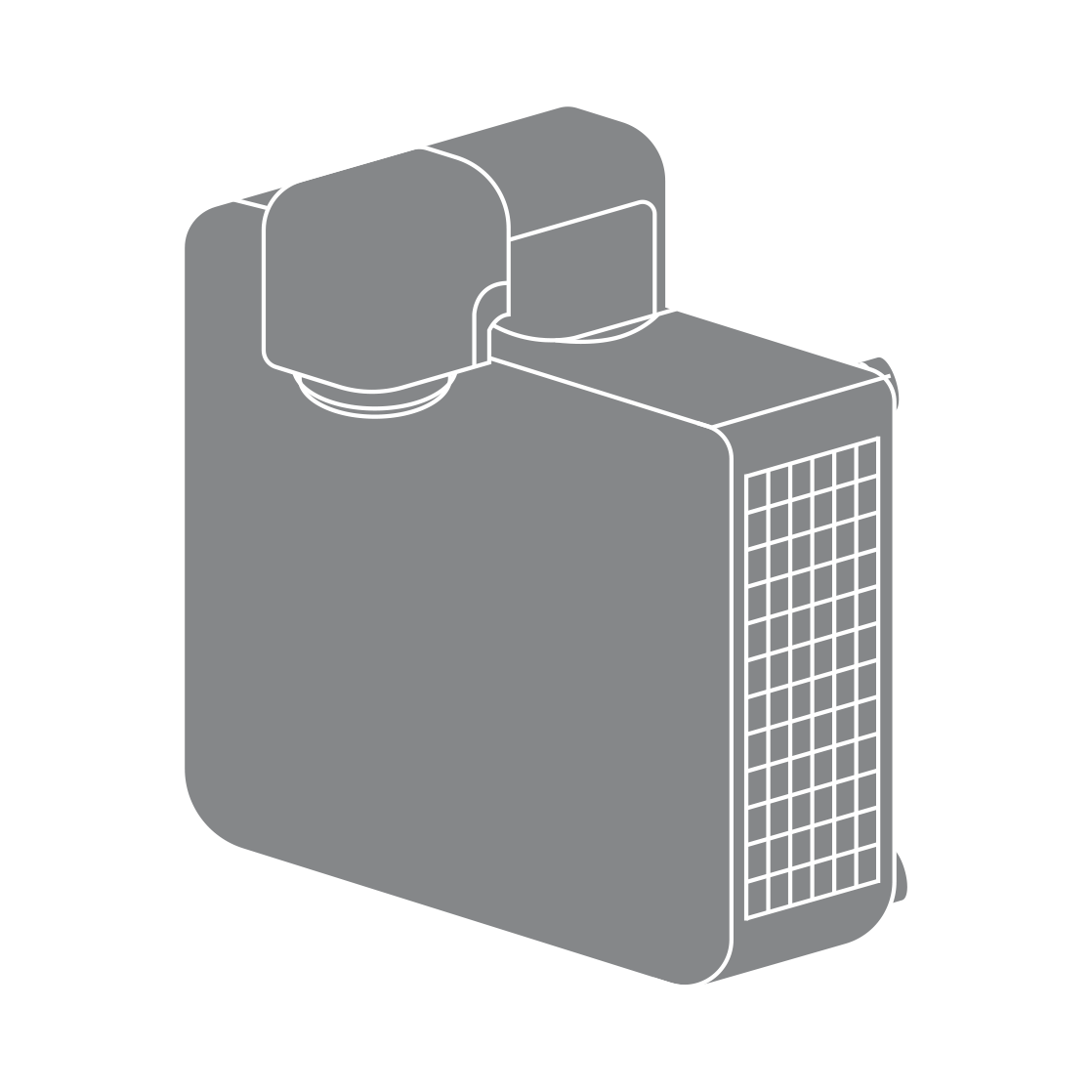
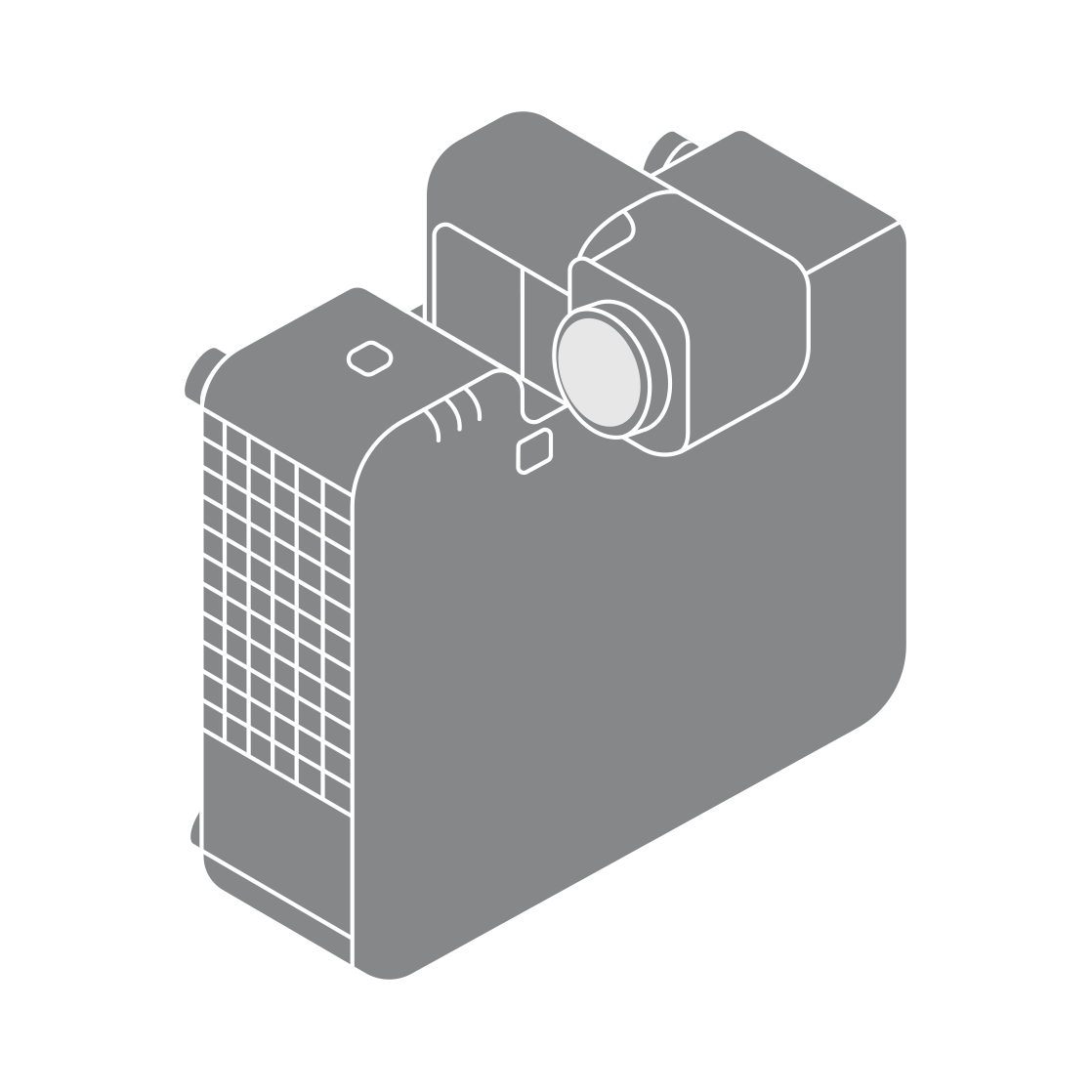
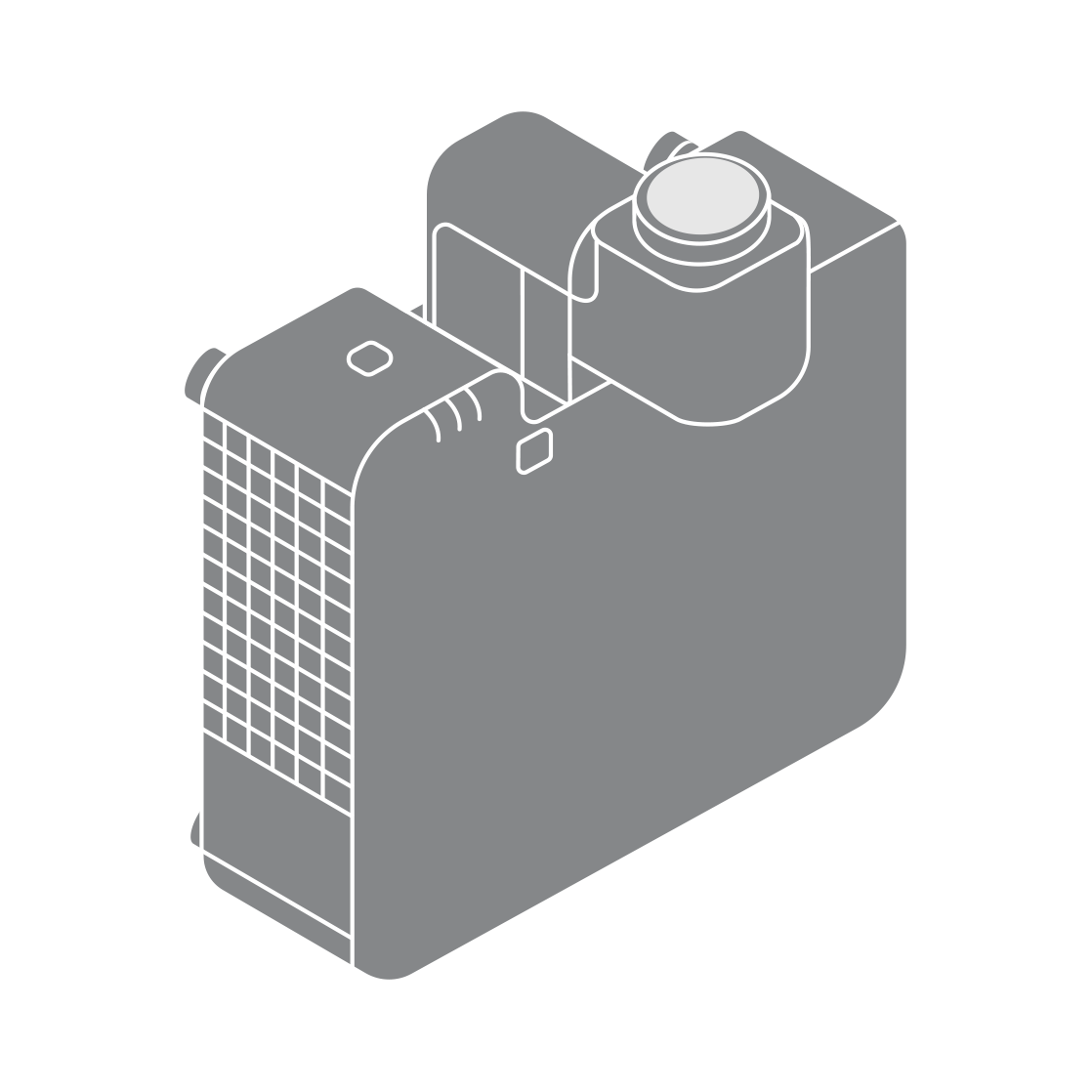
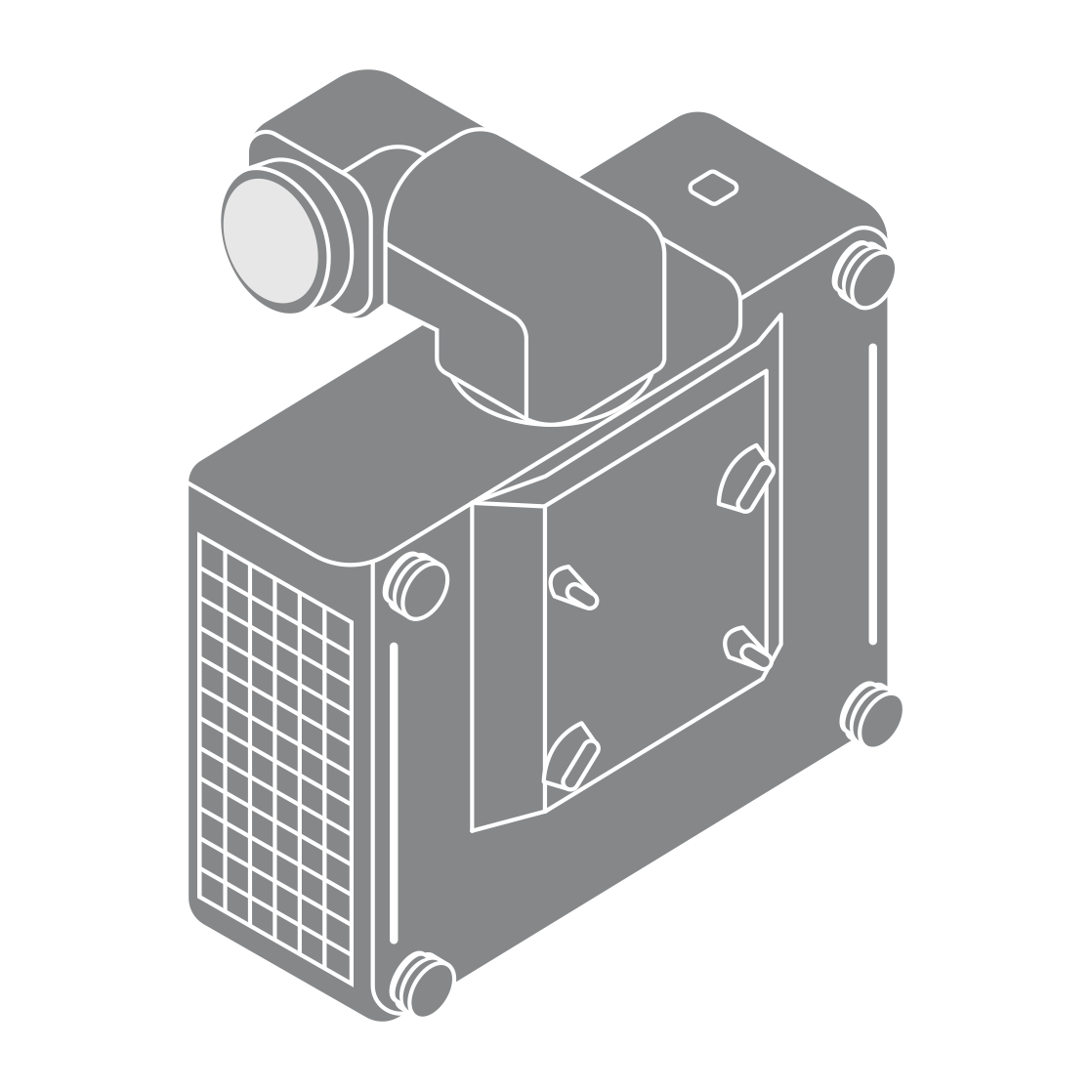


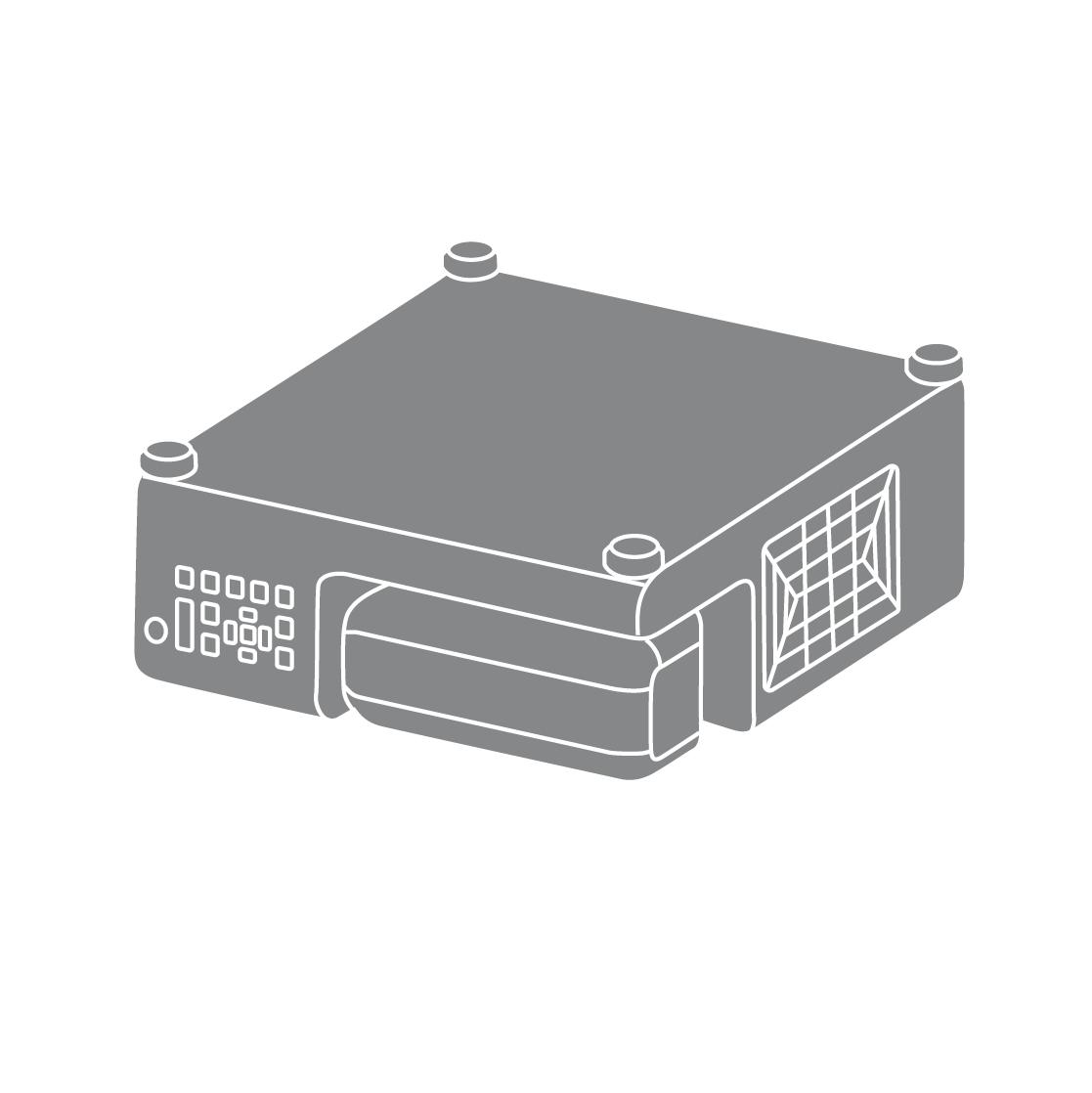
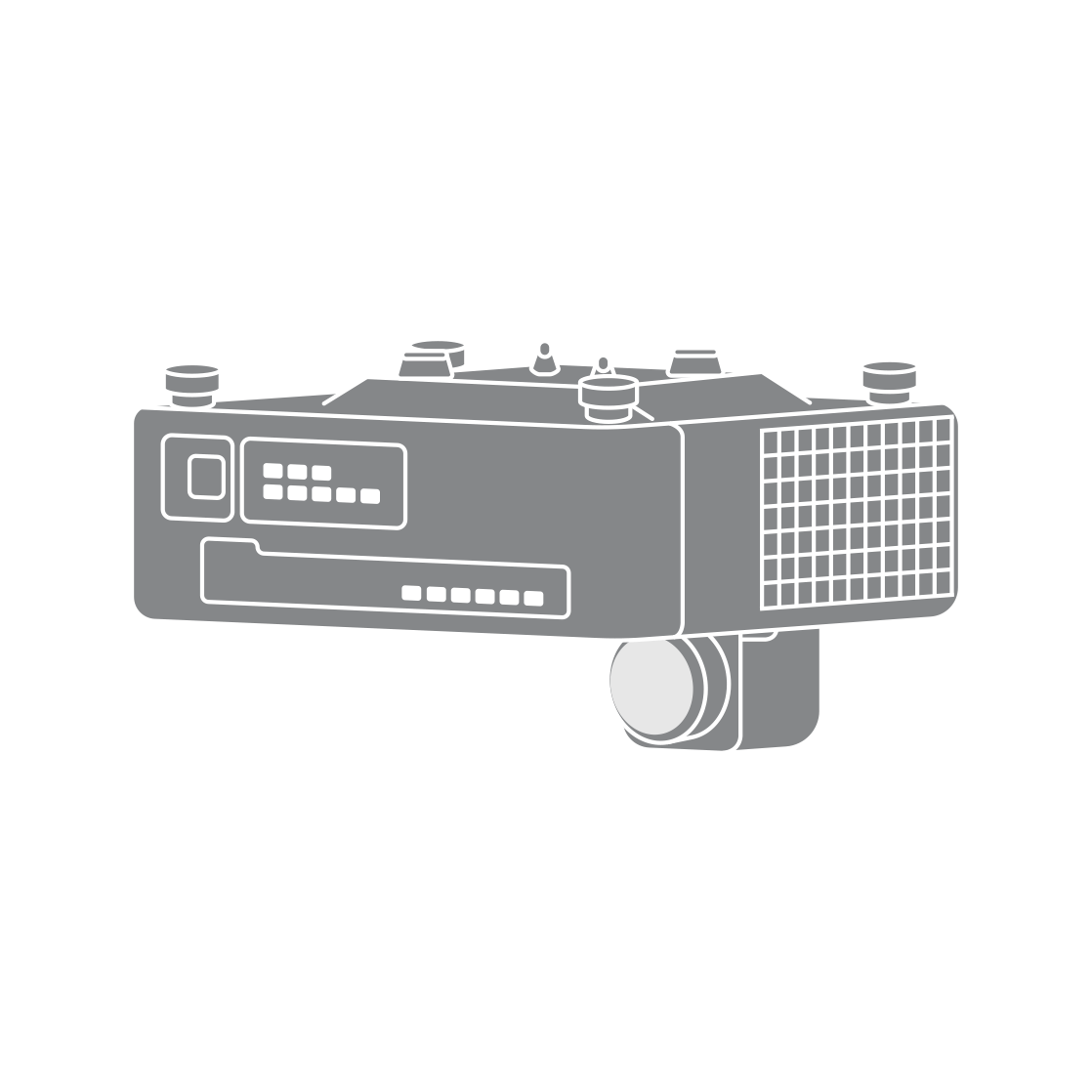
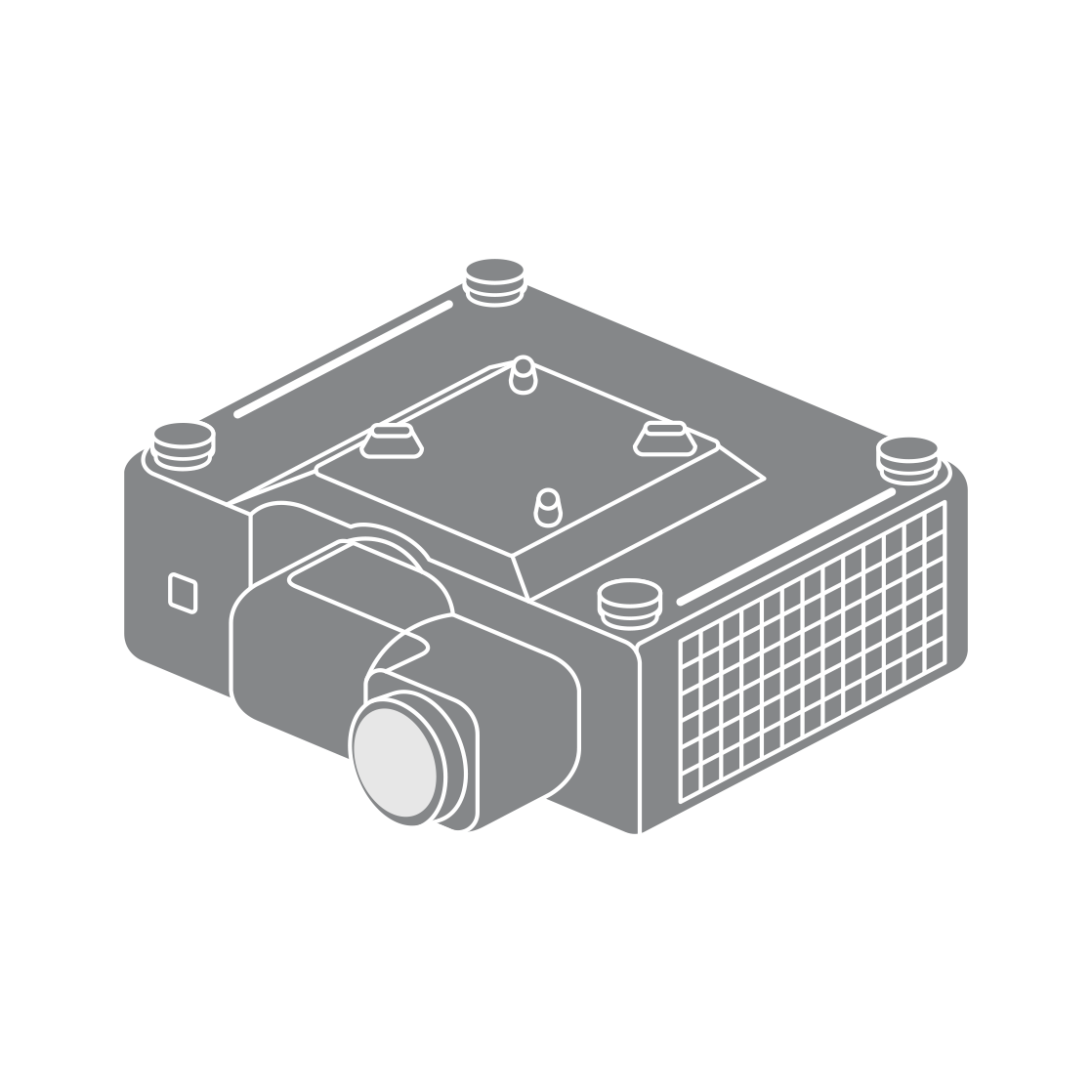
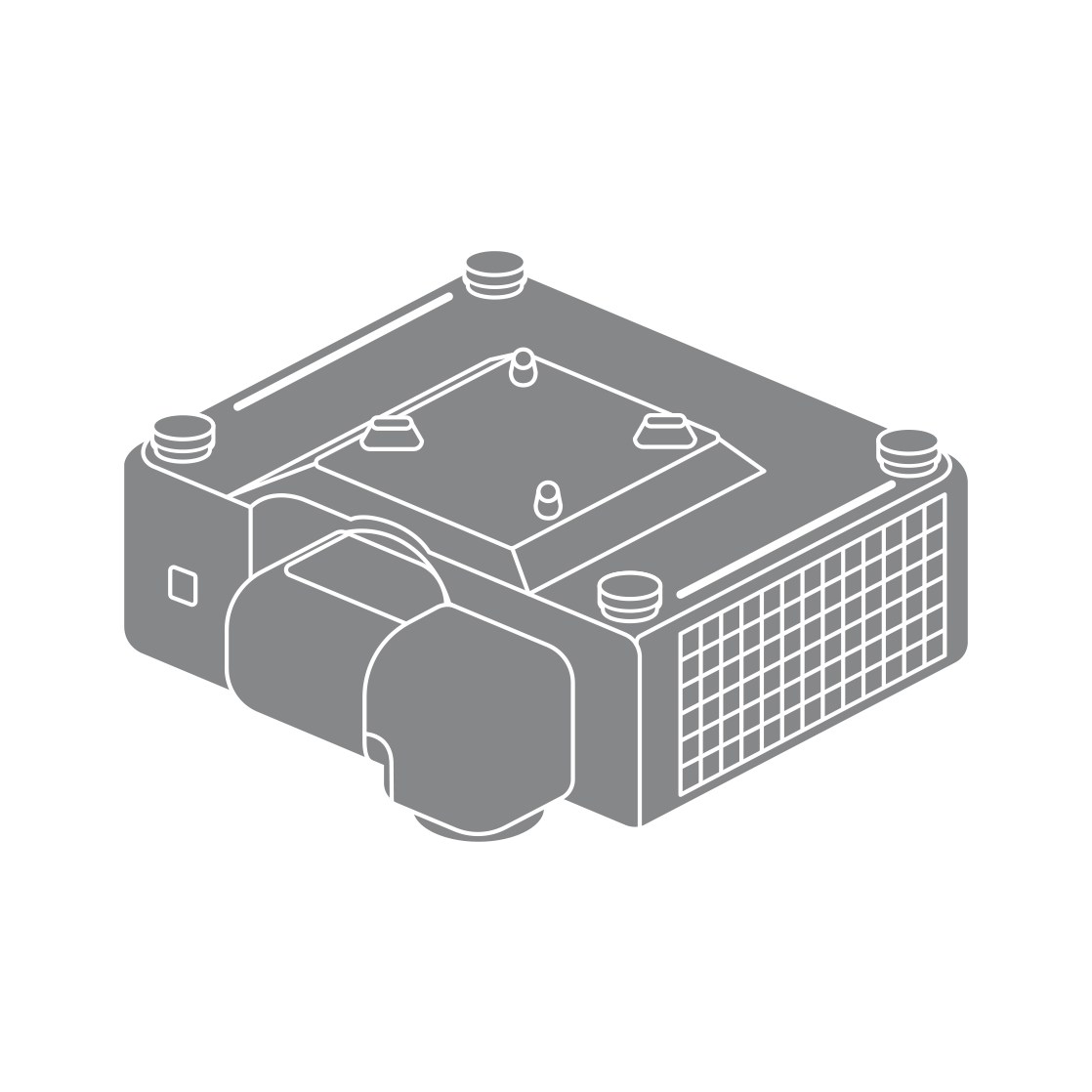
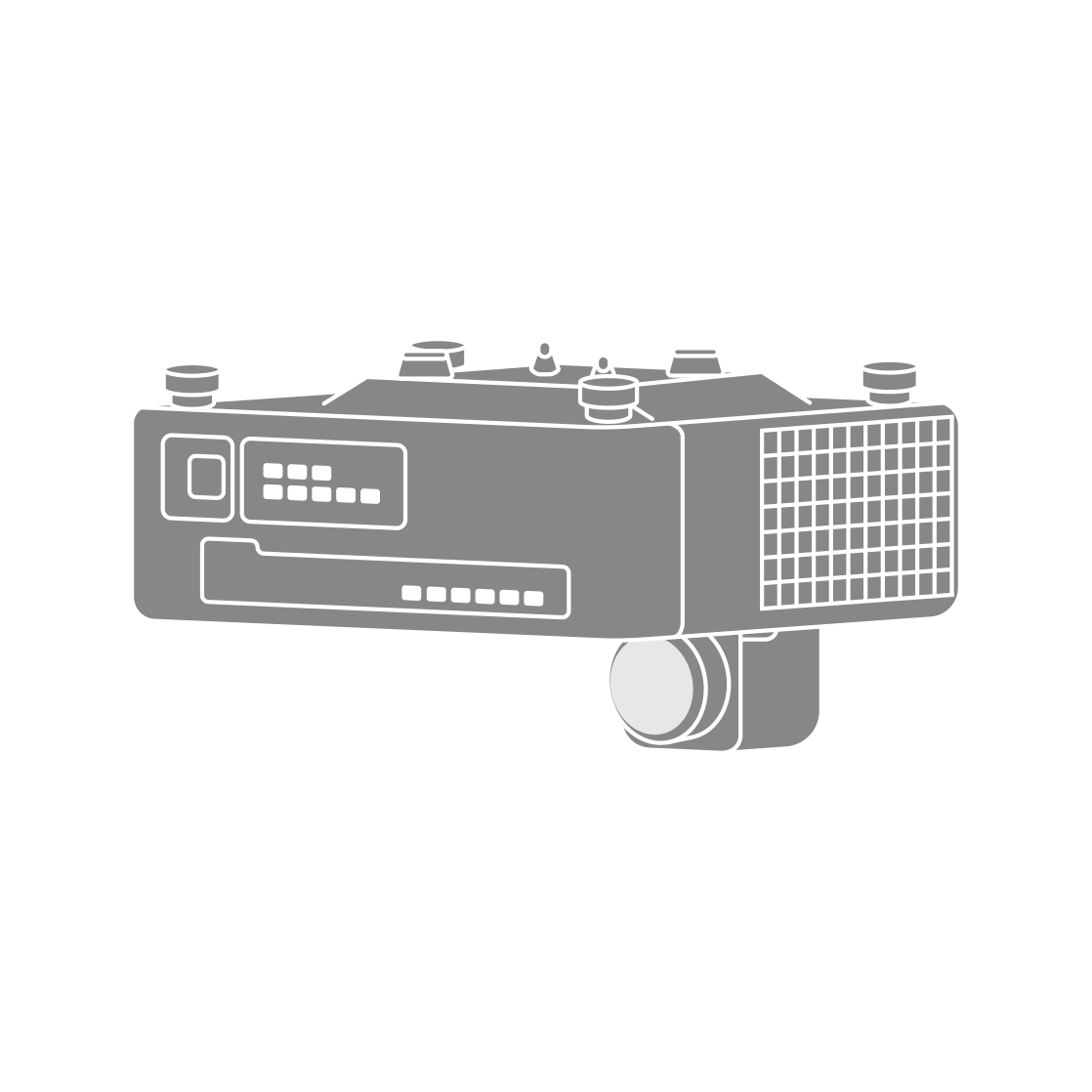
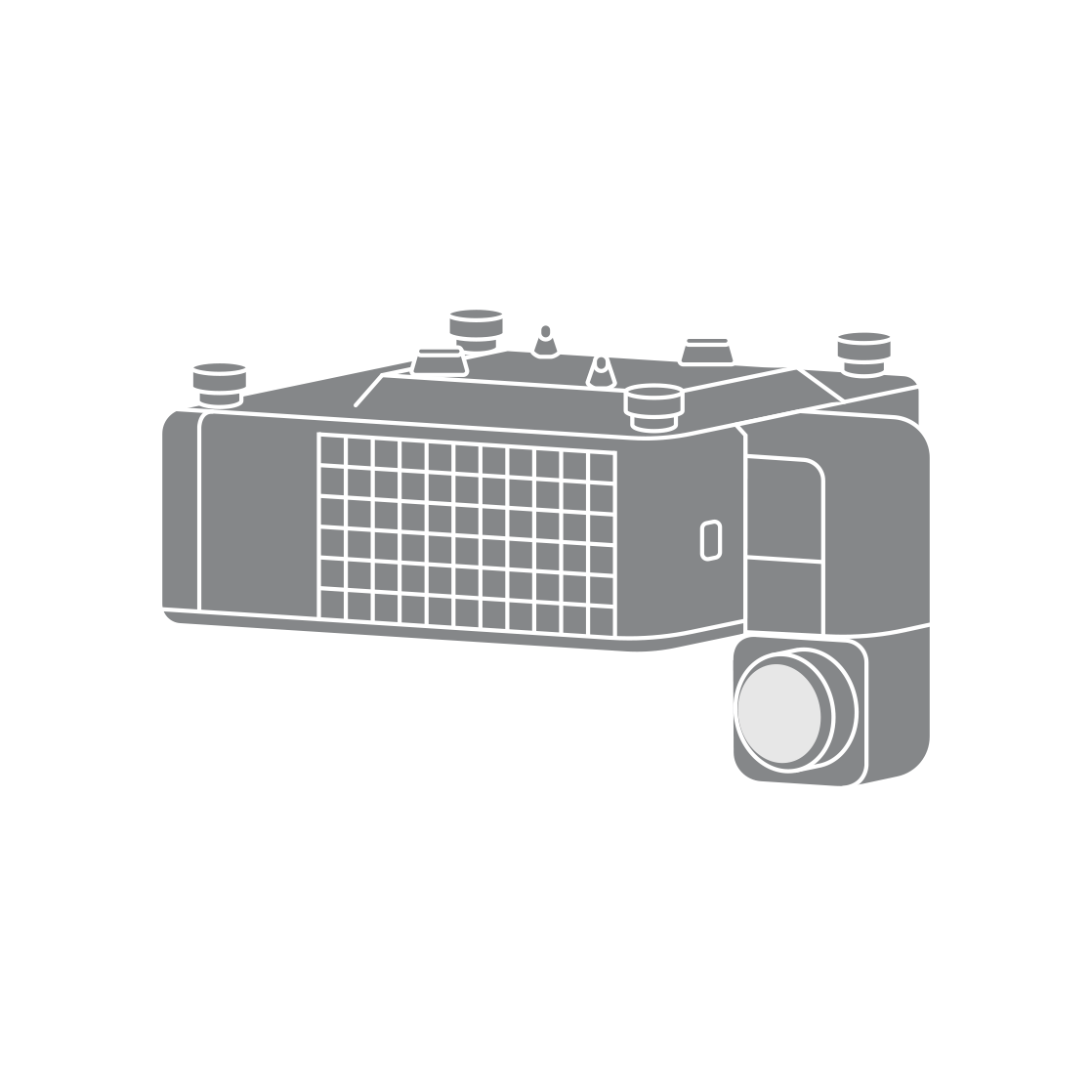
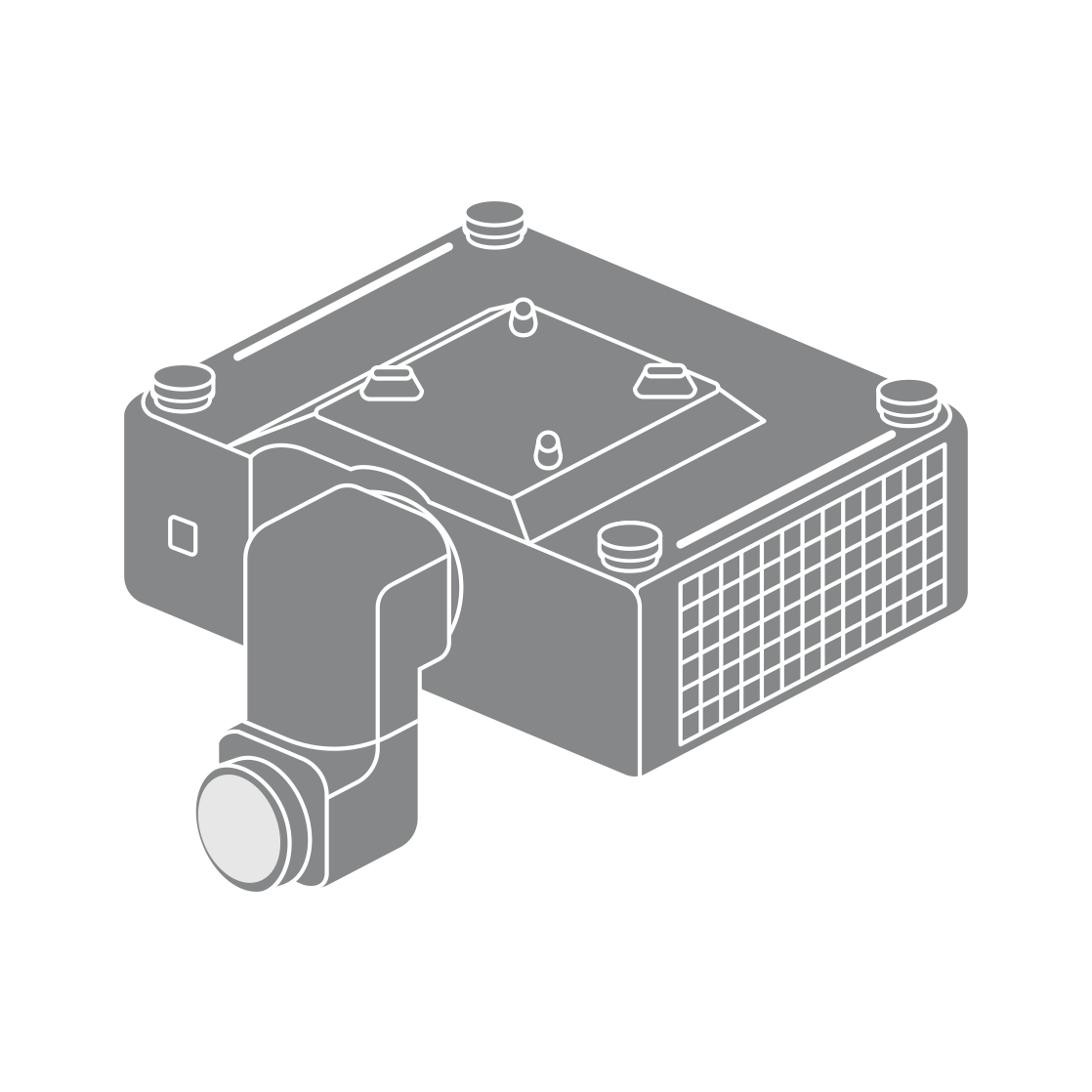
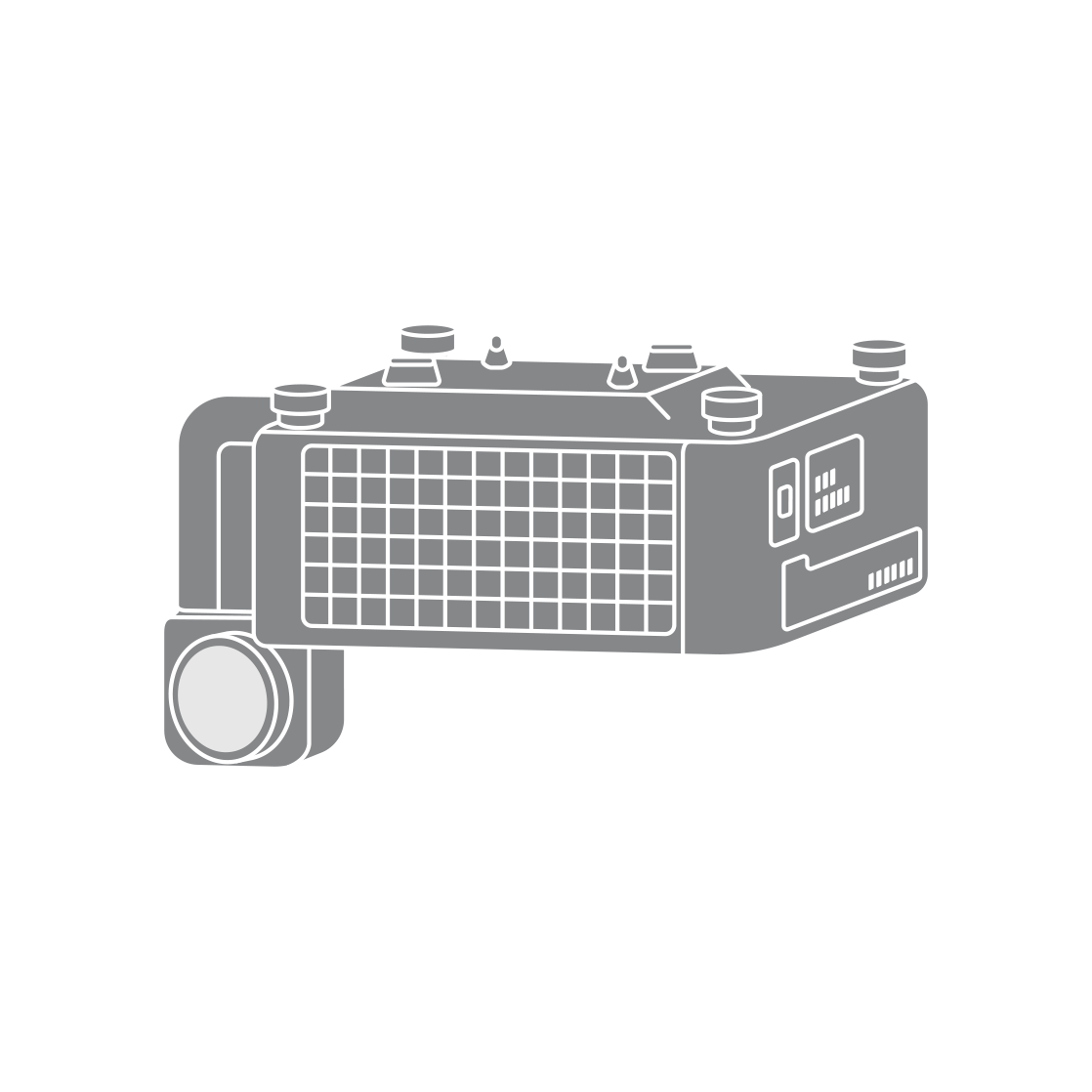


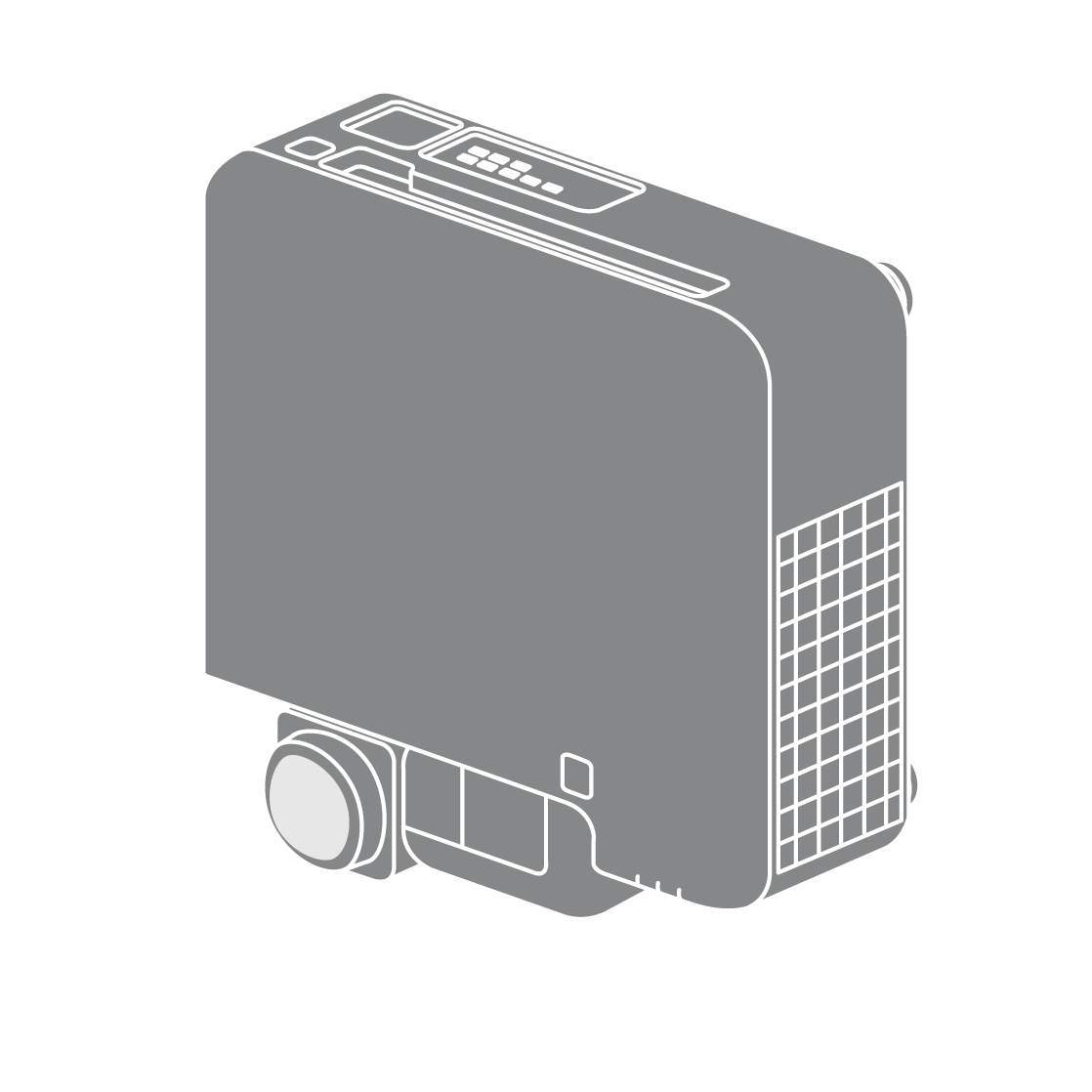
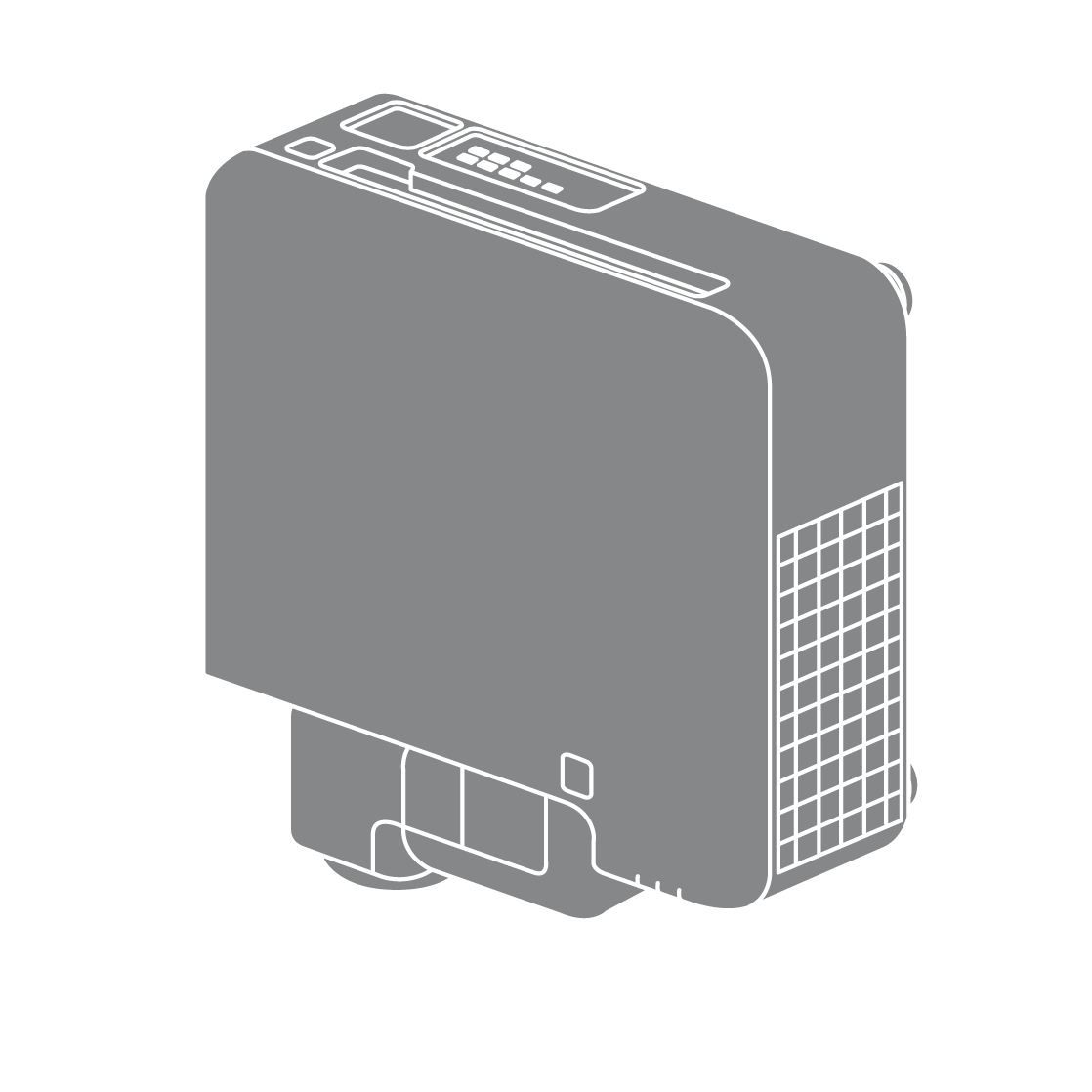
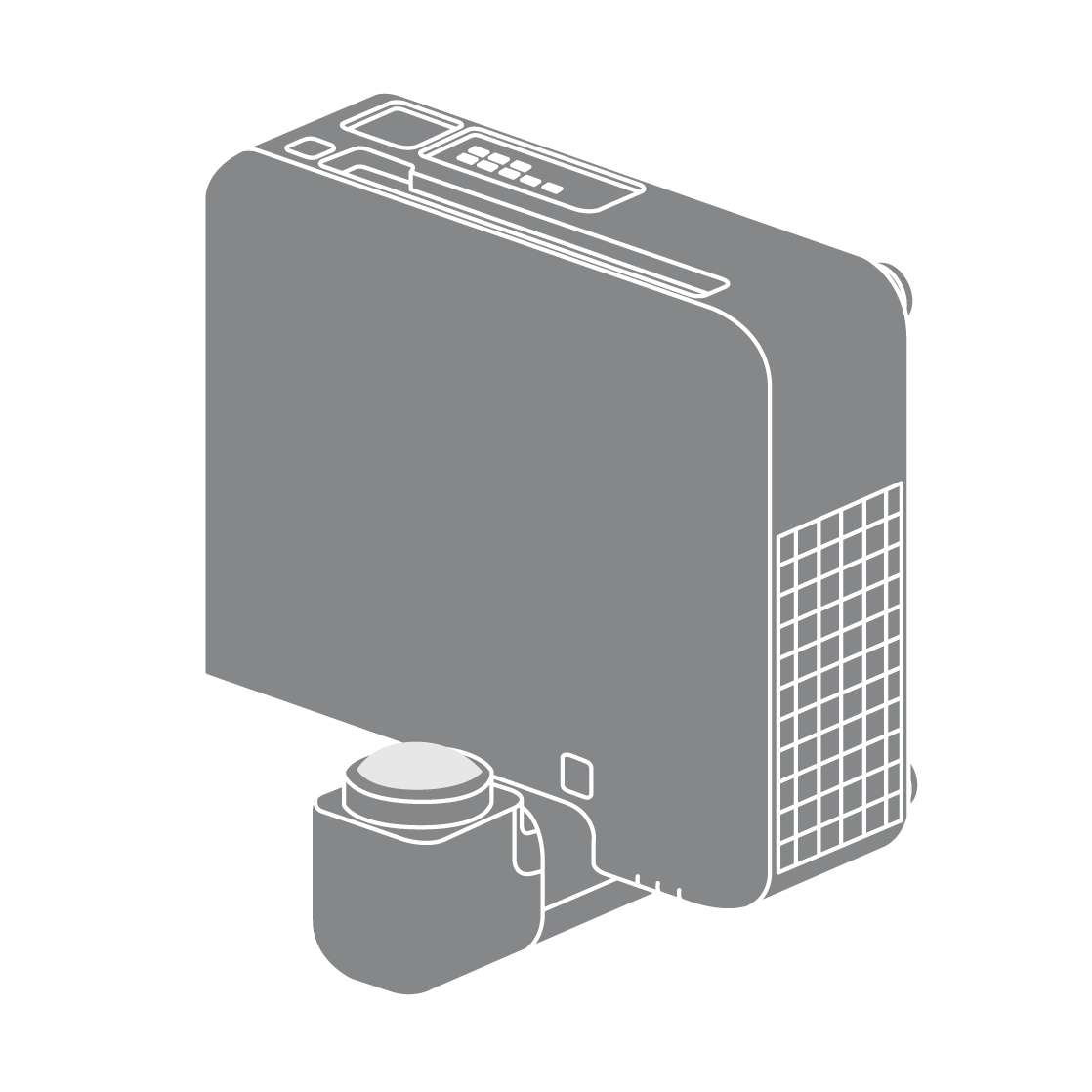
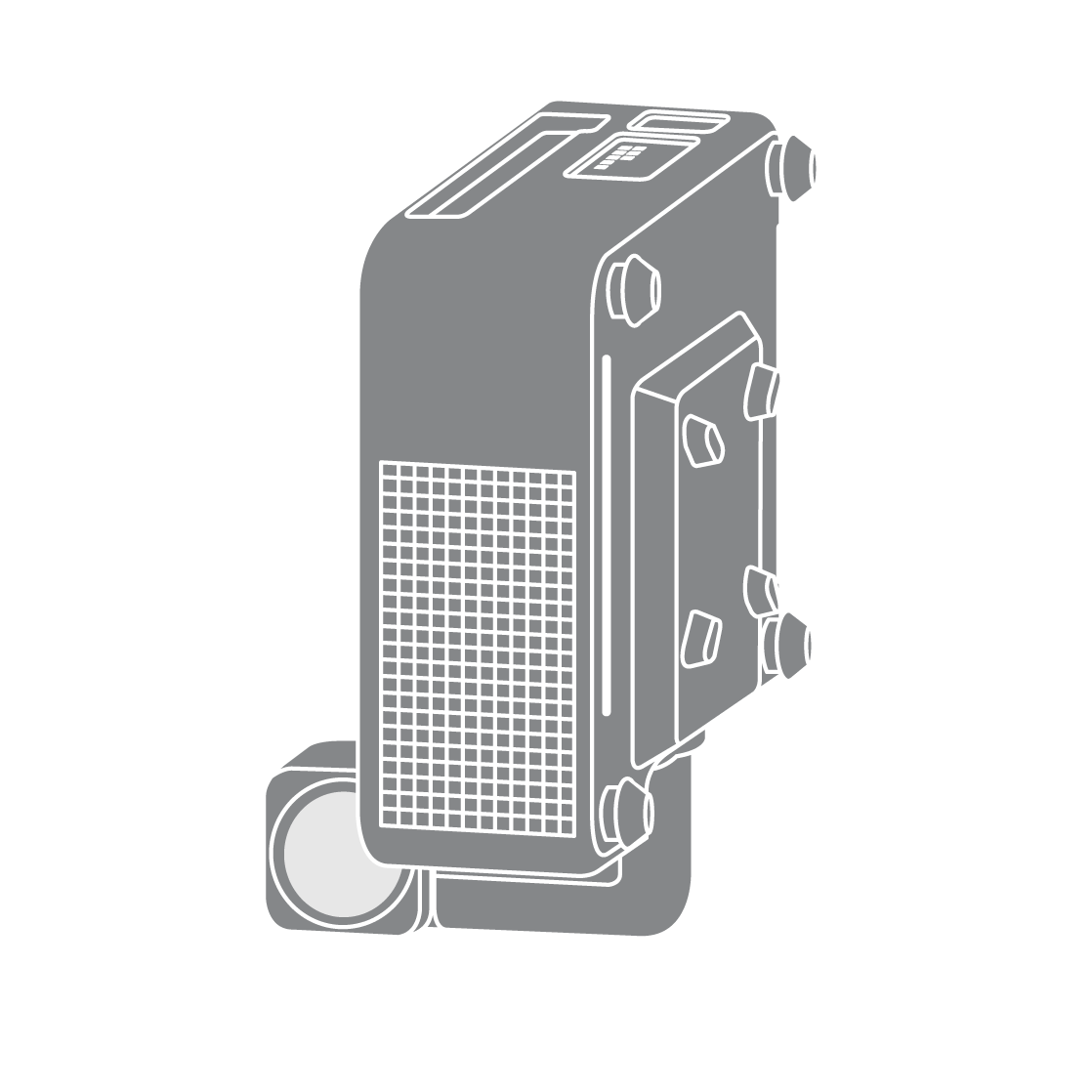
 Can not project
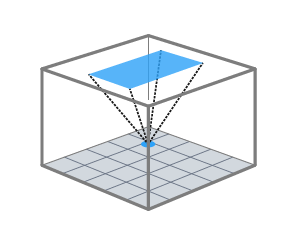
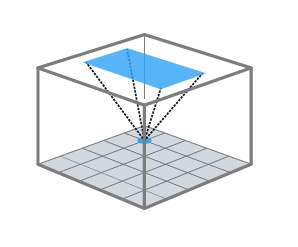
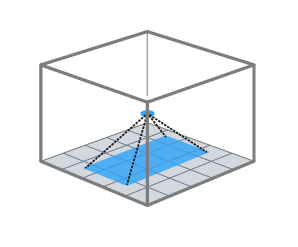
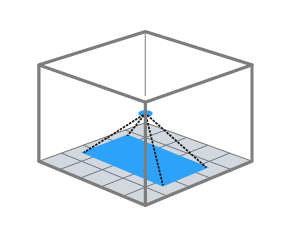
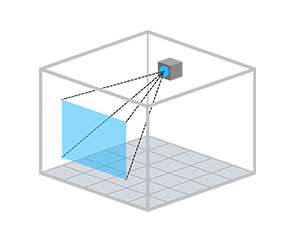
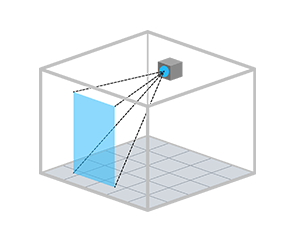
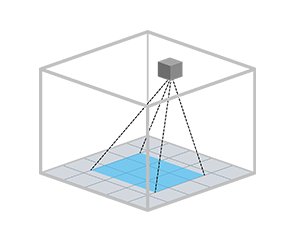
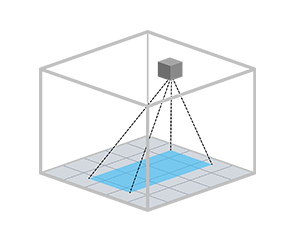 Can not project
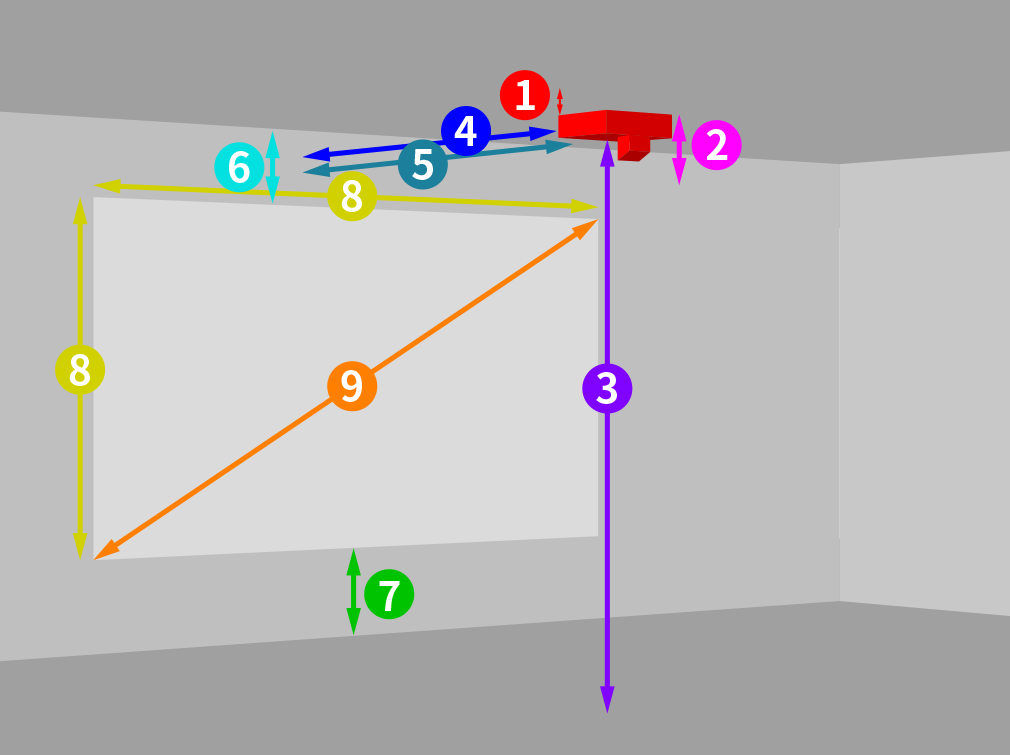
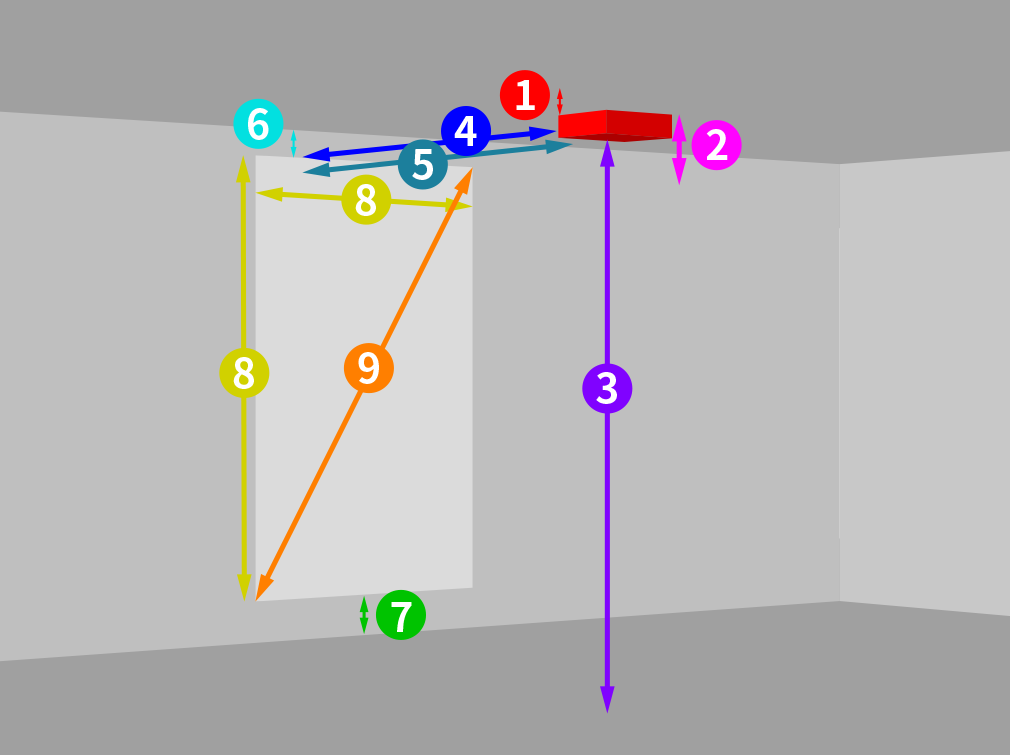
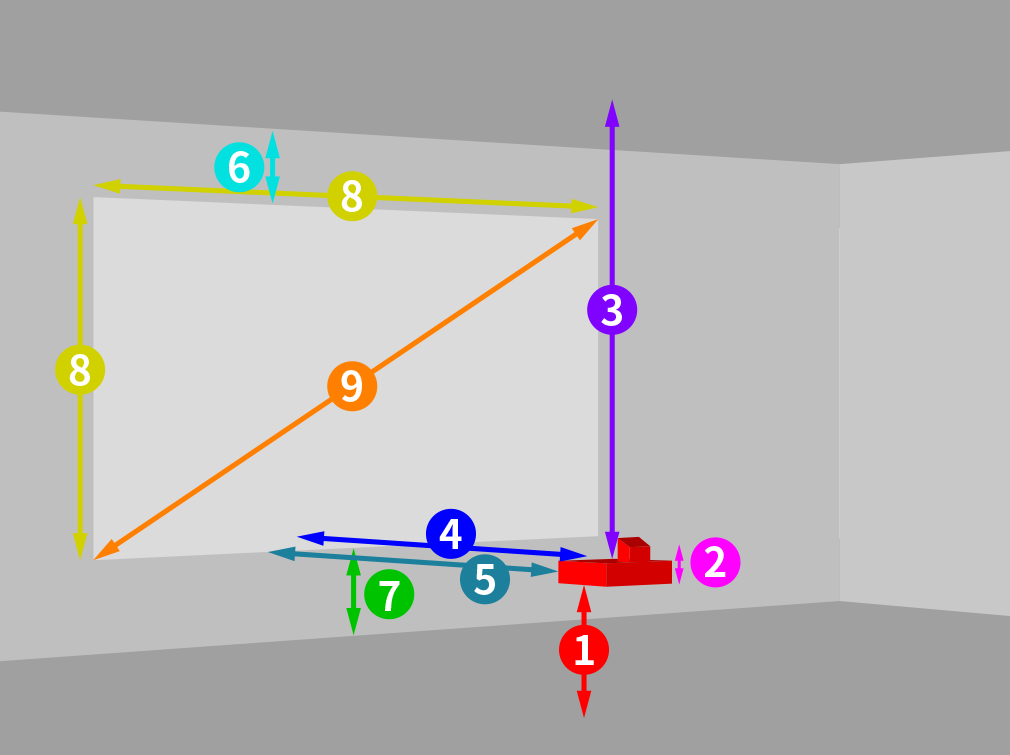
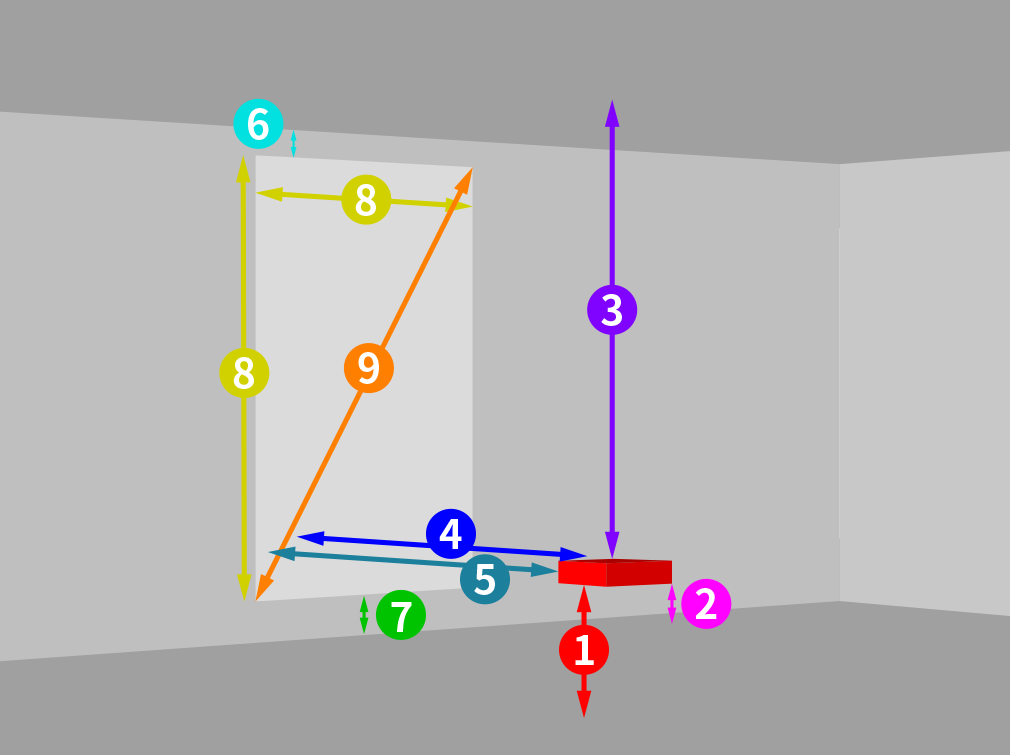
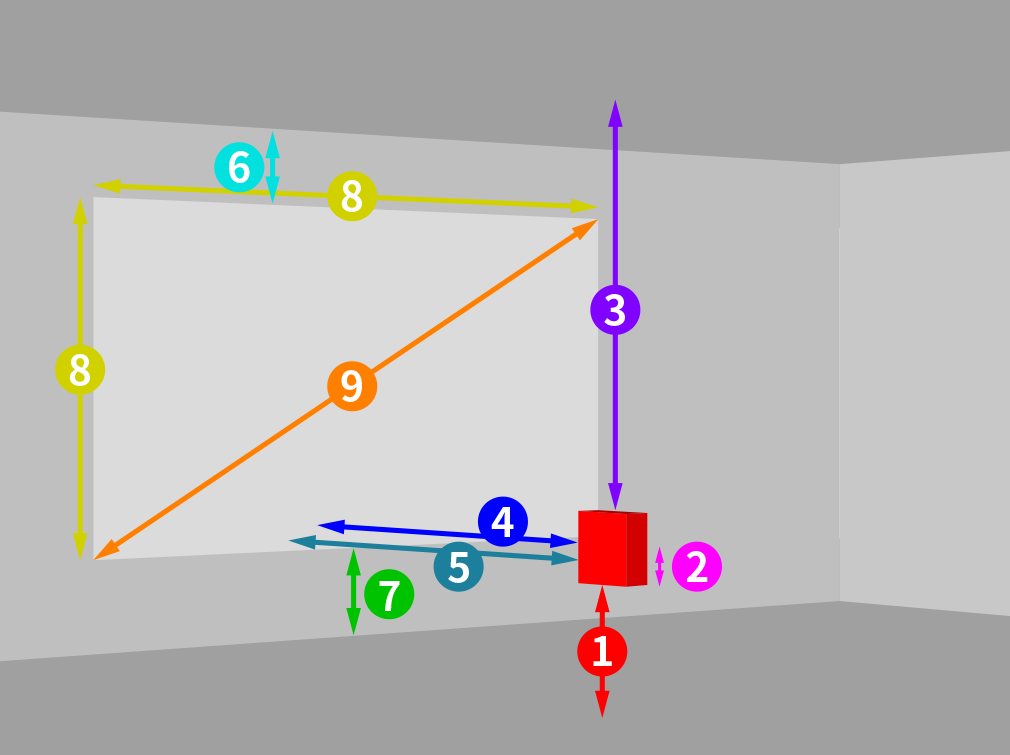
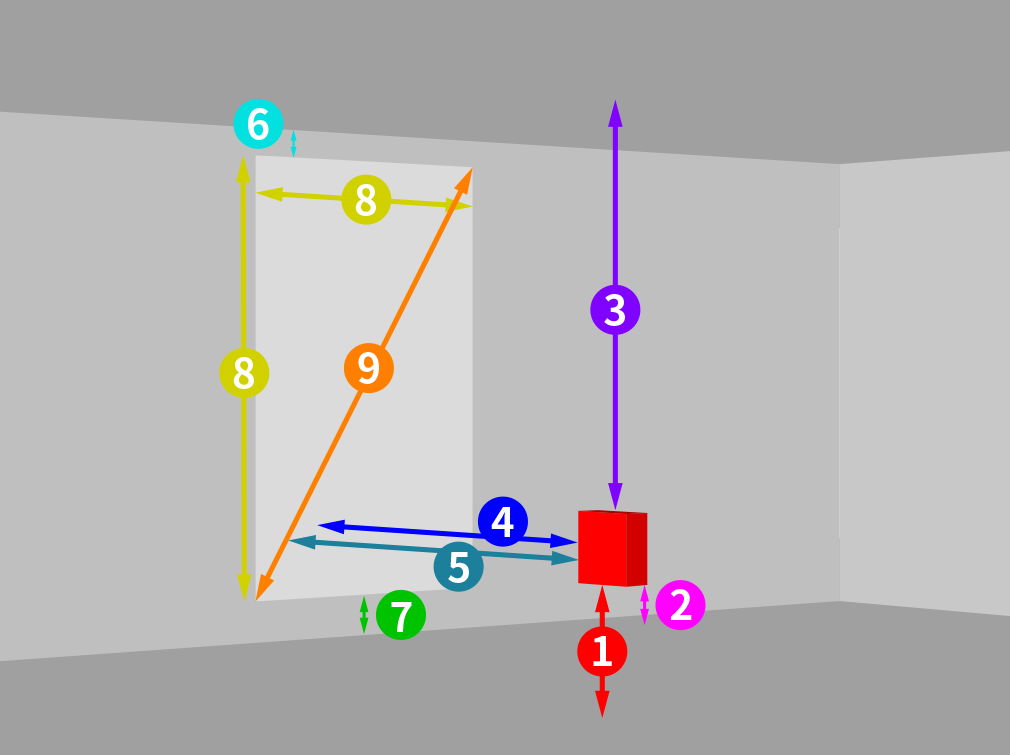
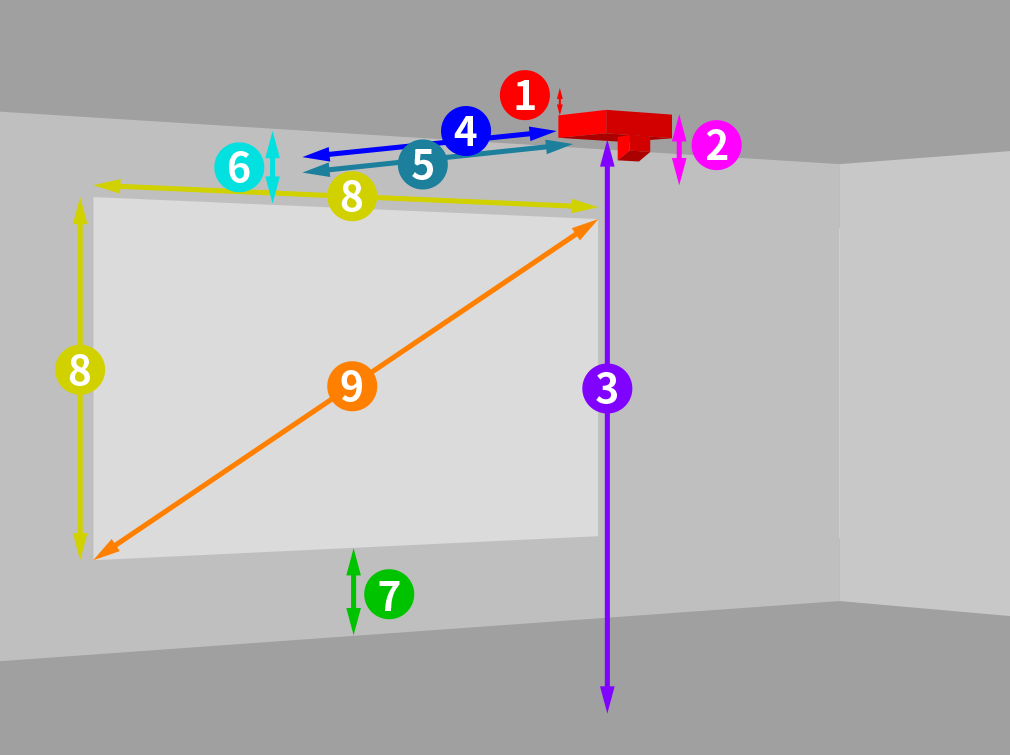
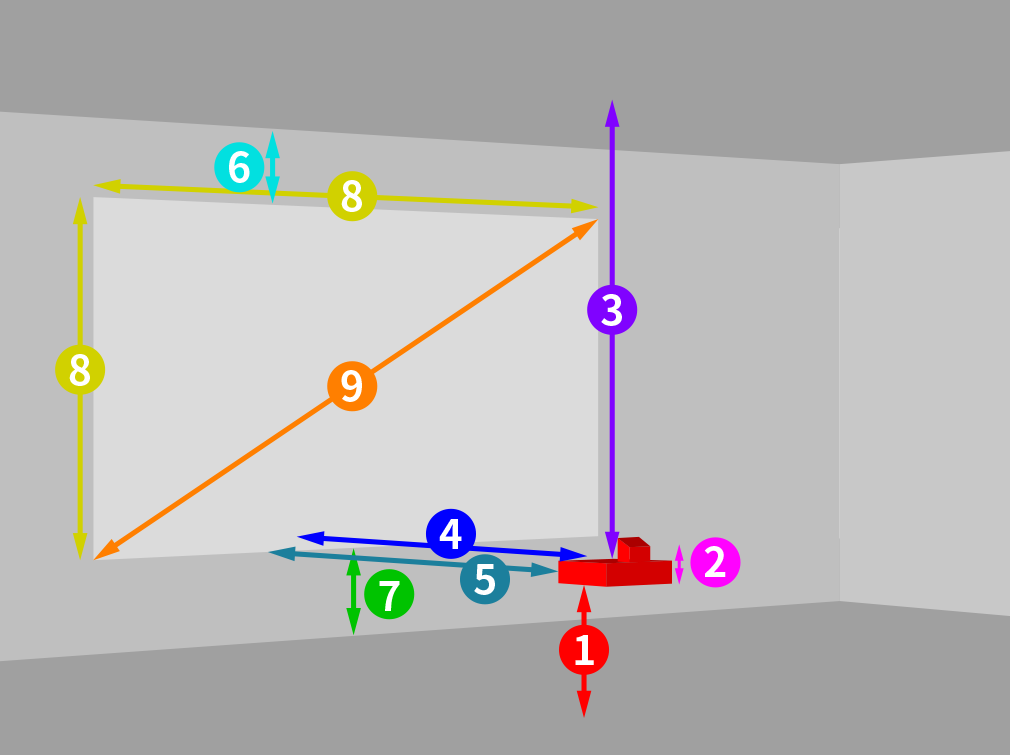
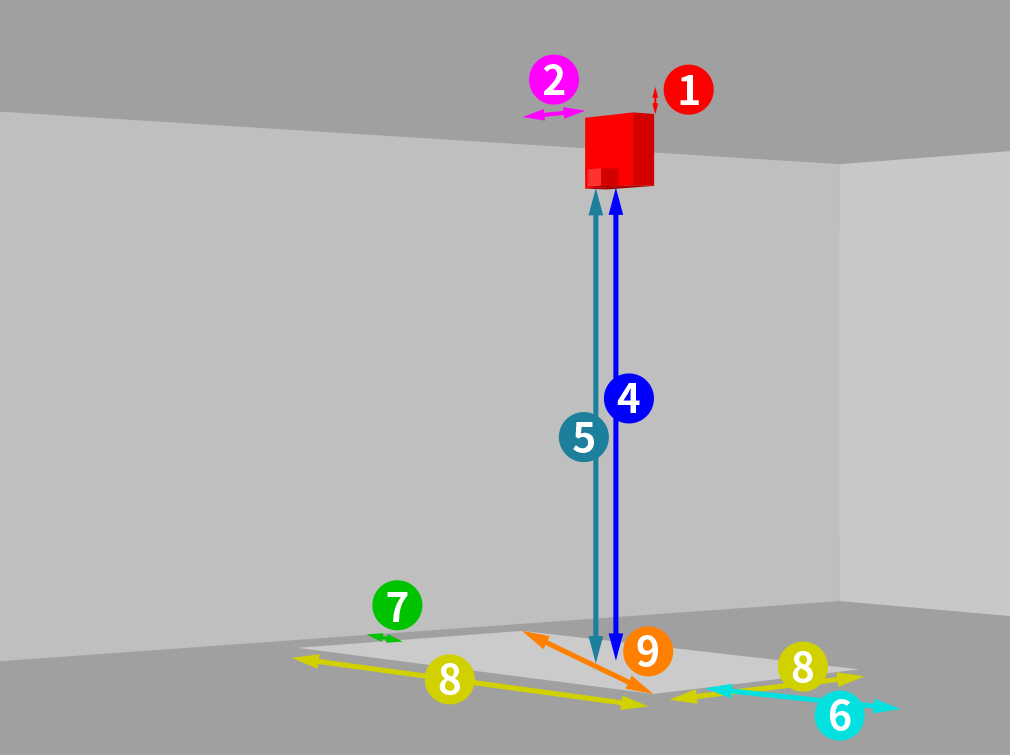
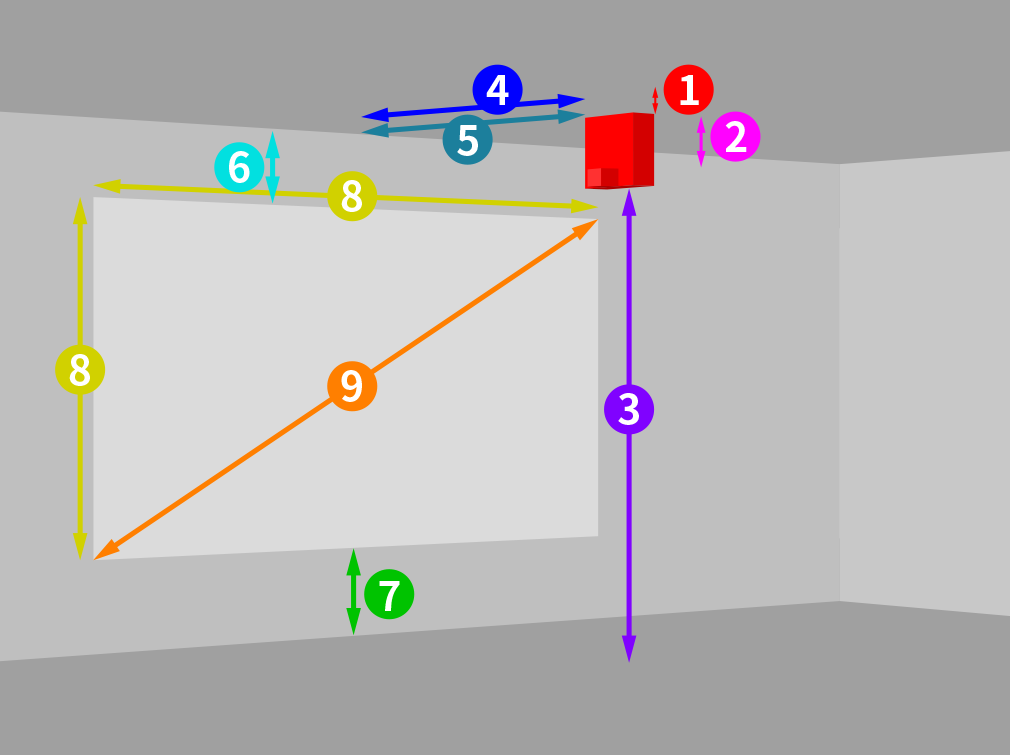
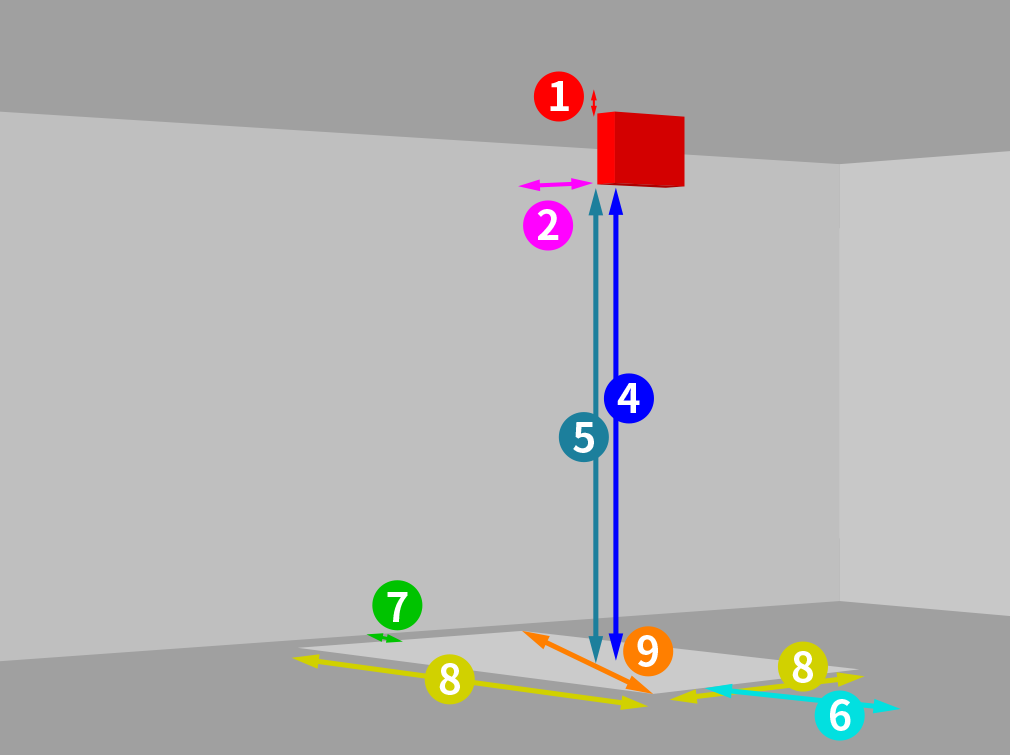
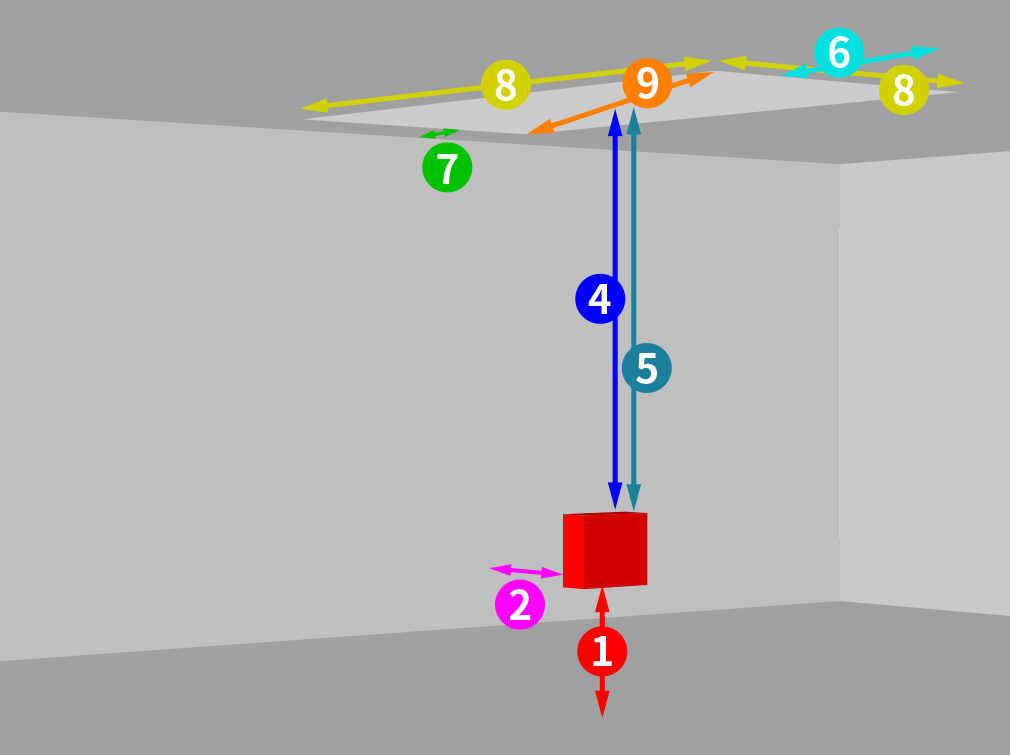
From floor to bottom of main unit From ceiling to bottom of main unit
9999.9m
From lower edge of screen to ground point on the same side From lower edge of screen to bottom of main unit From upper edge of screen to bottom of main unit
9999.9m
From ceiling to projector's top cover From floor to top cover of main unit
9999.9m
Projection distance (from screen to lens surface)
9999.9m
From screen to top of main unit From screen to front of main unit
9999.9m
From top surface of screen's upper edge to upper direction wall From ceiling to upper edge of screen From floor surface of screen's upper edge to upper direction wall
9999.9m
From top surface of screen's lower edge to lower direction wall Floor to lower edge of screen From floor surface of screen's lower edge to lower direction wall
9999.9m
Screen size (width x height)
9999.9inch
Screen size (diagonal inches)
9999.9inch
Screen size (area)
9999.9m
Screen illuminance (lx)
9999.99lx
Lens shift (vertical direction)
100%
Lens shift (horizontal direction)
100%
 Larger view
 Larger view
 Larger view
 Larger view
 Larger view
 Larger view
 Larger view
 Larger view
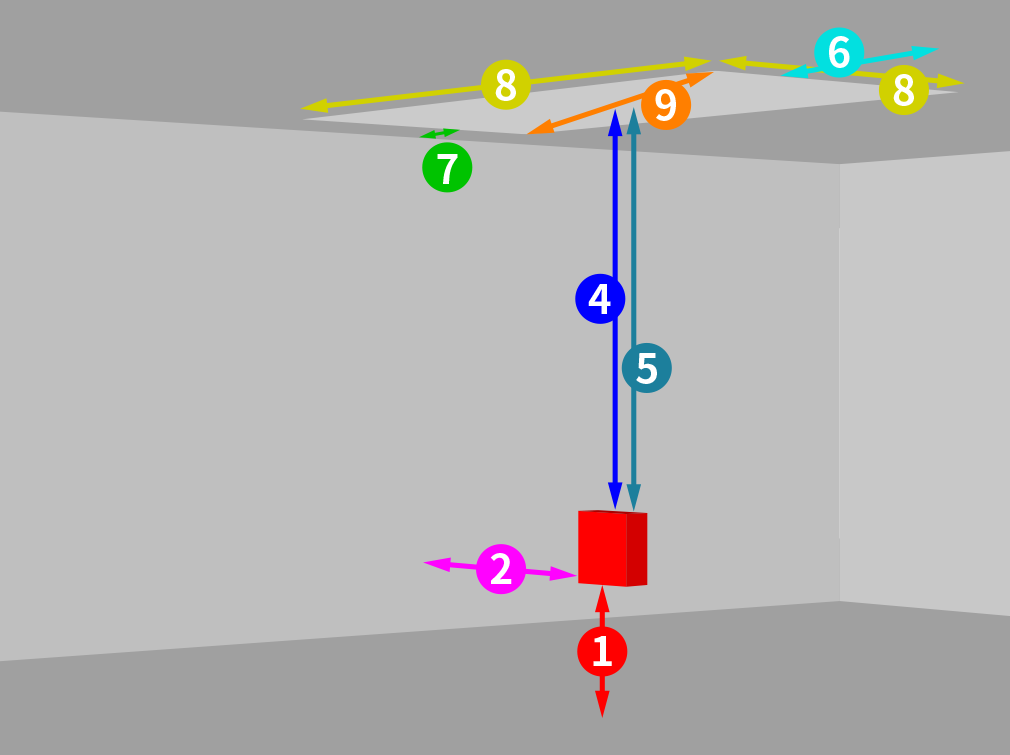 Larger view
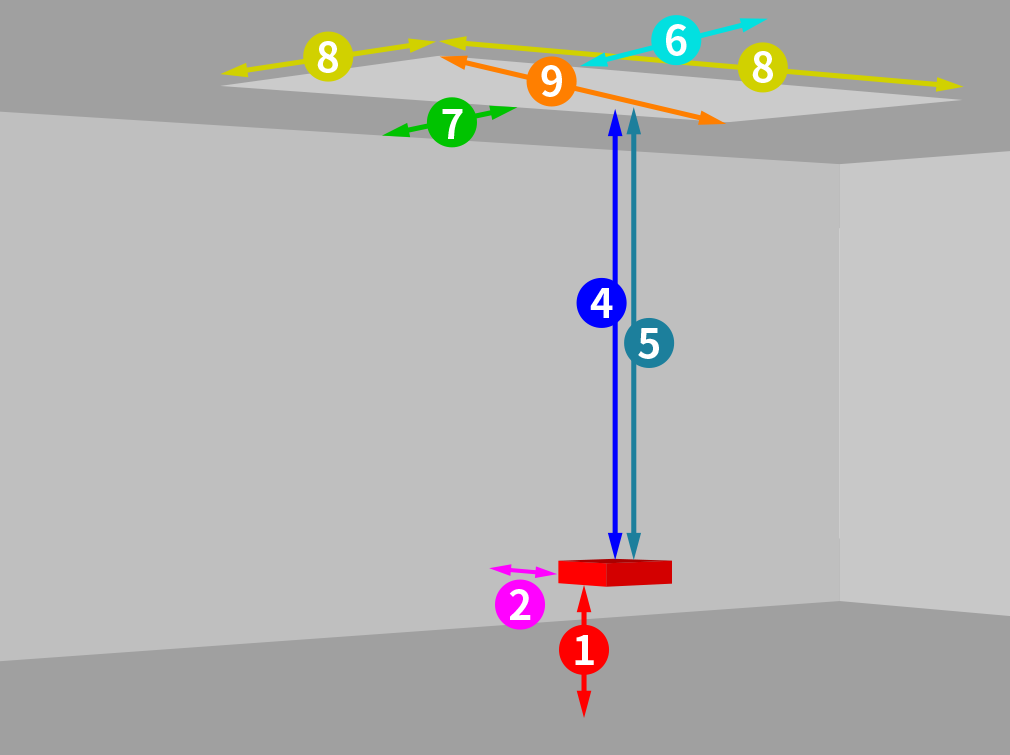 Larger view
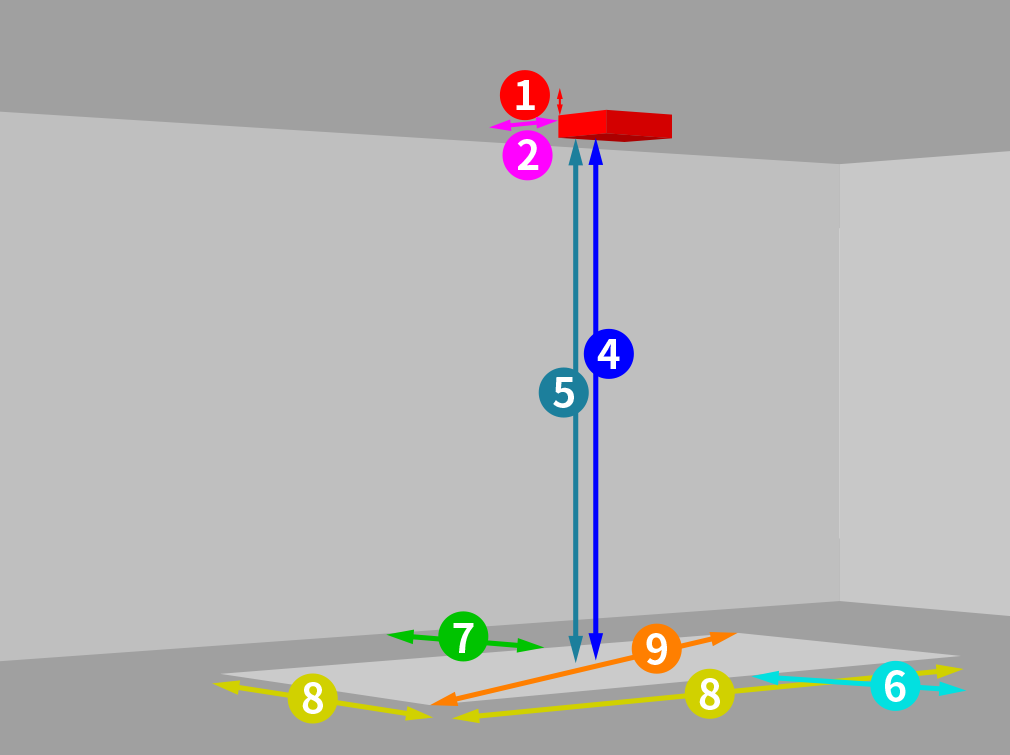 Larger view
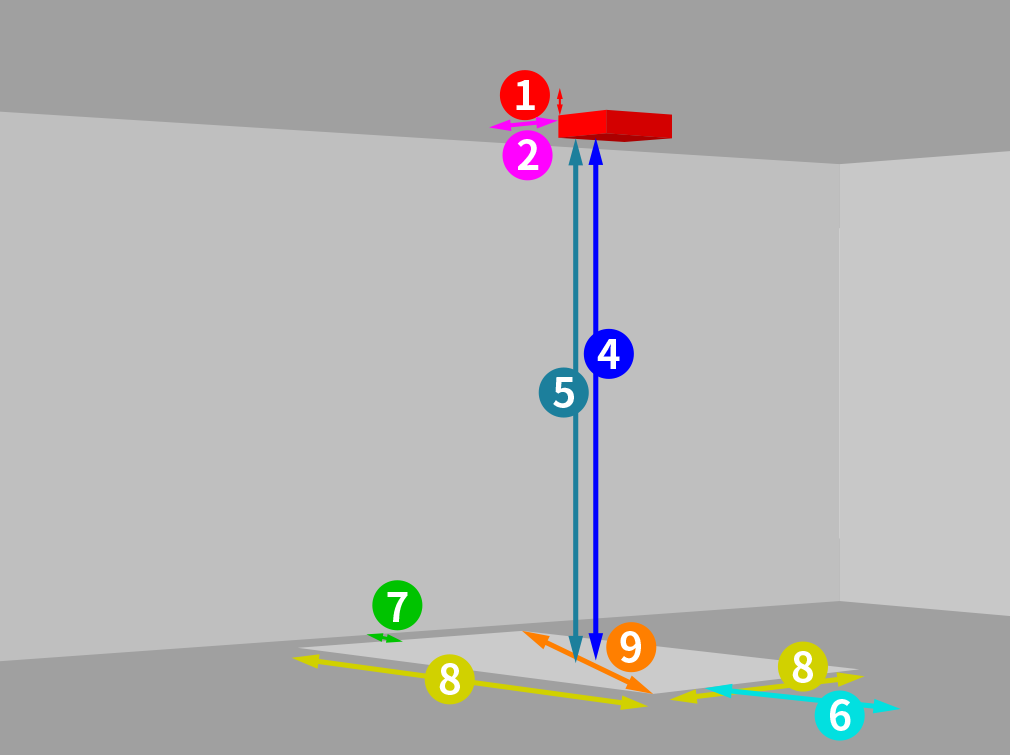 Larger view
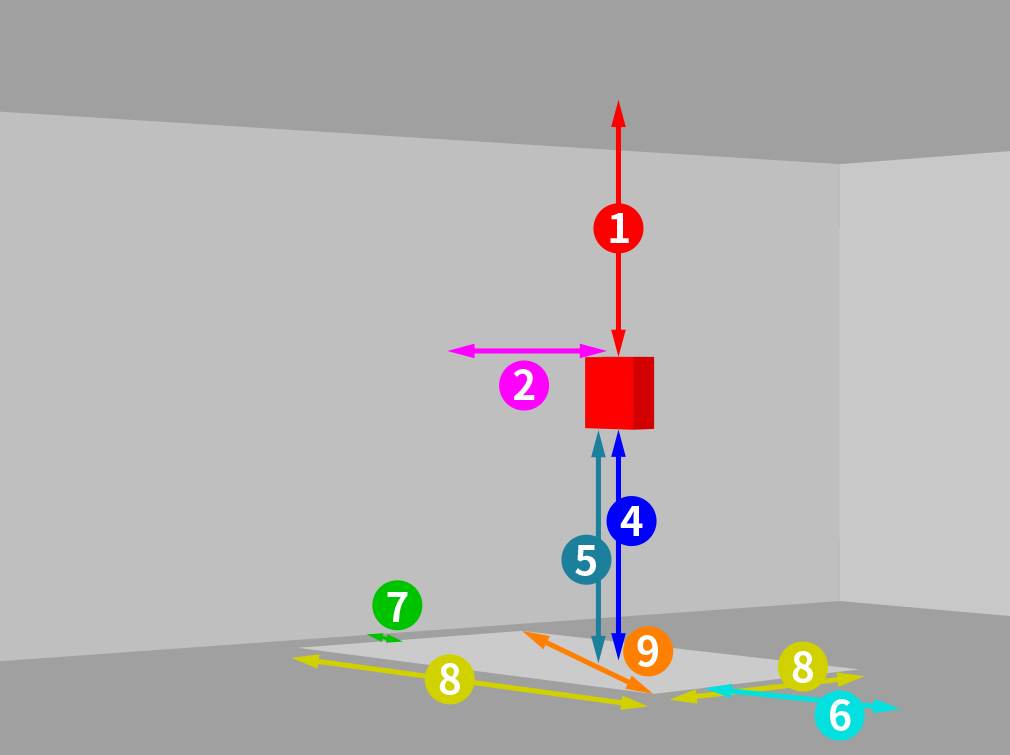 Larger view
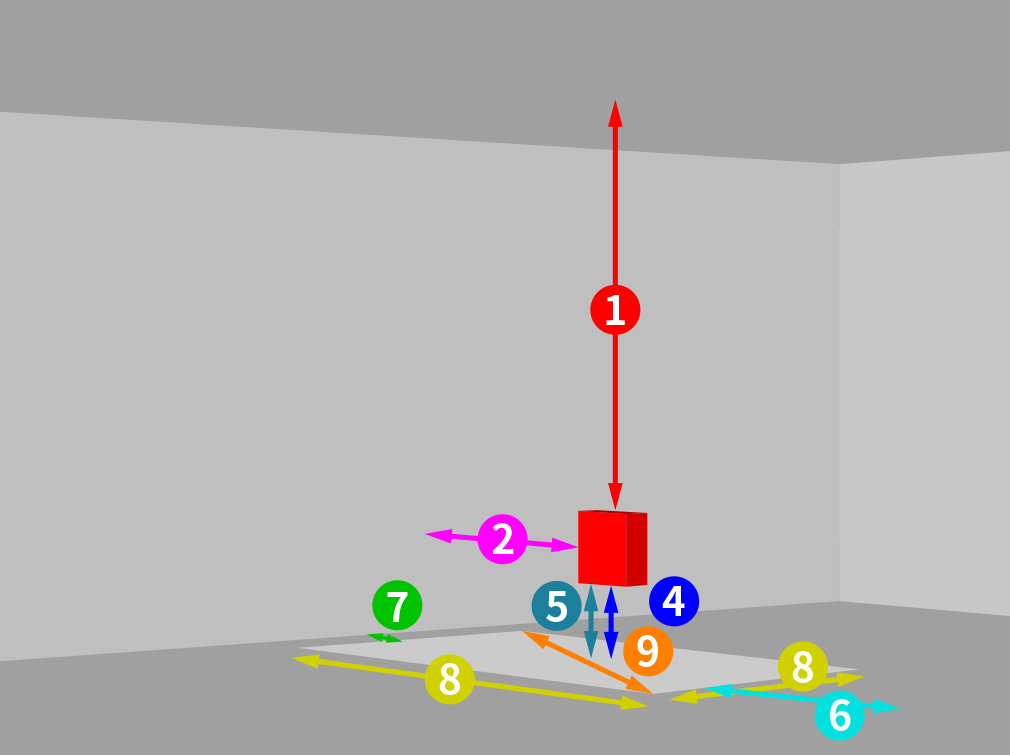 Larger view
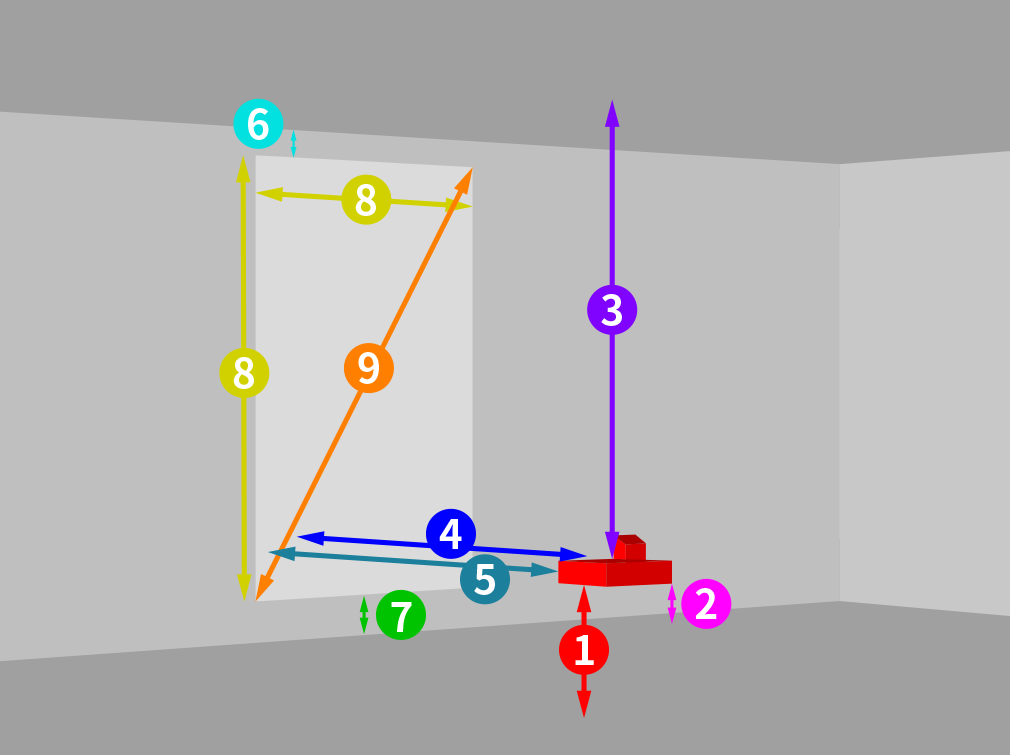 Larger view
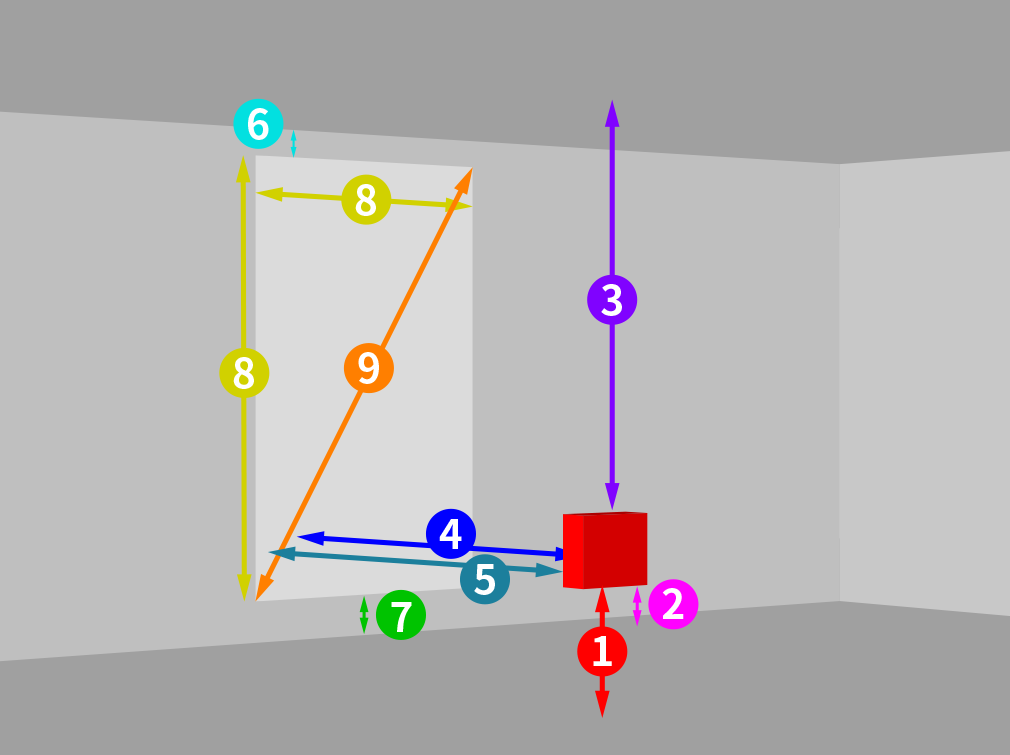 Larger view
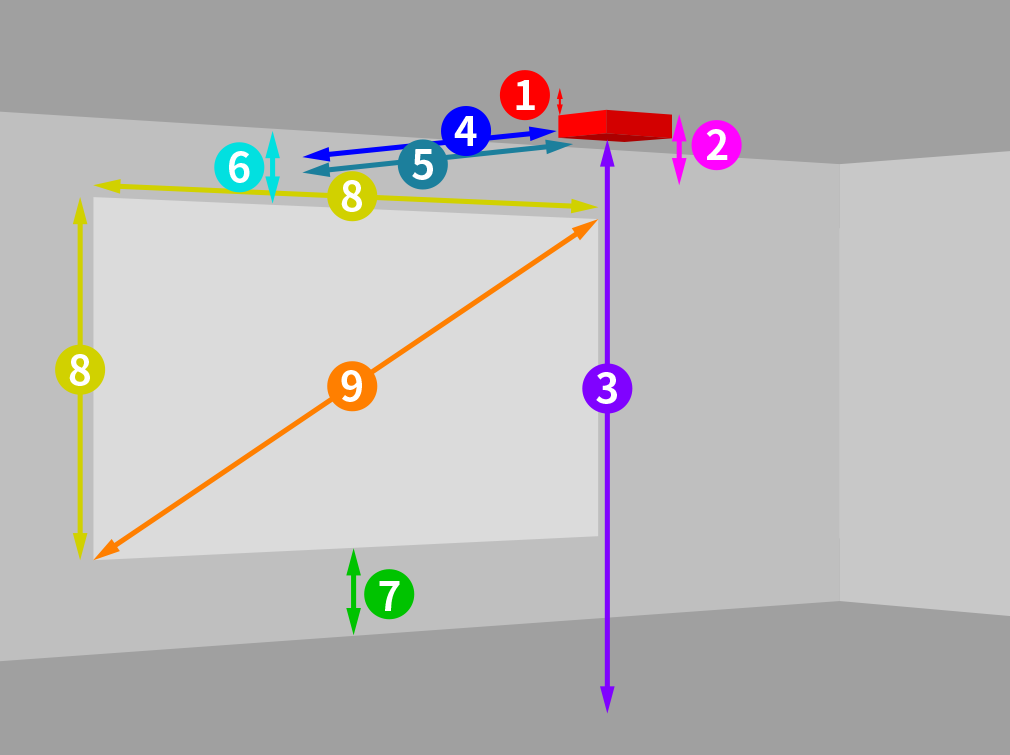 Larger view
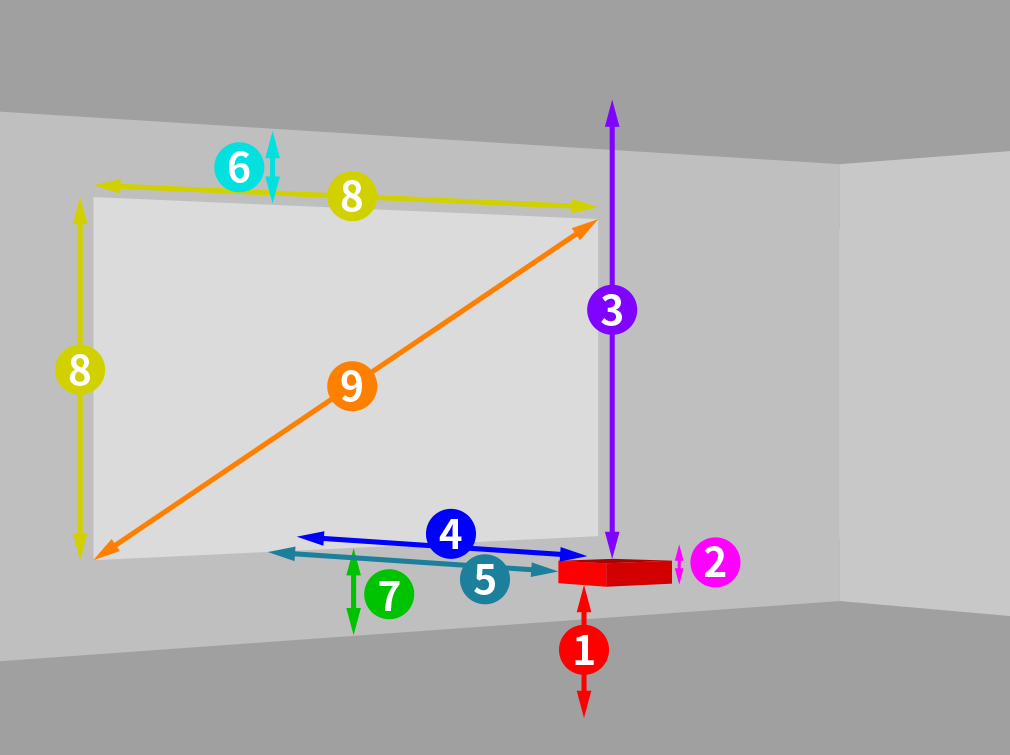 Larger view
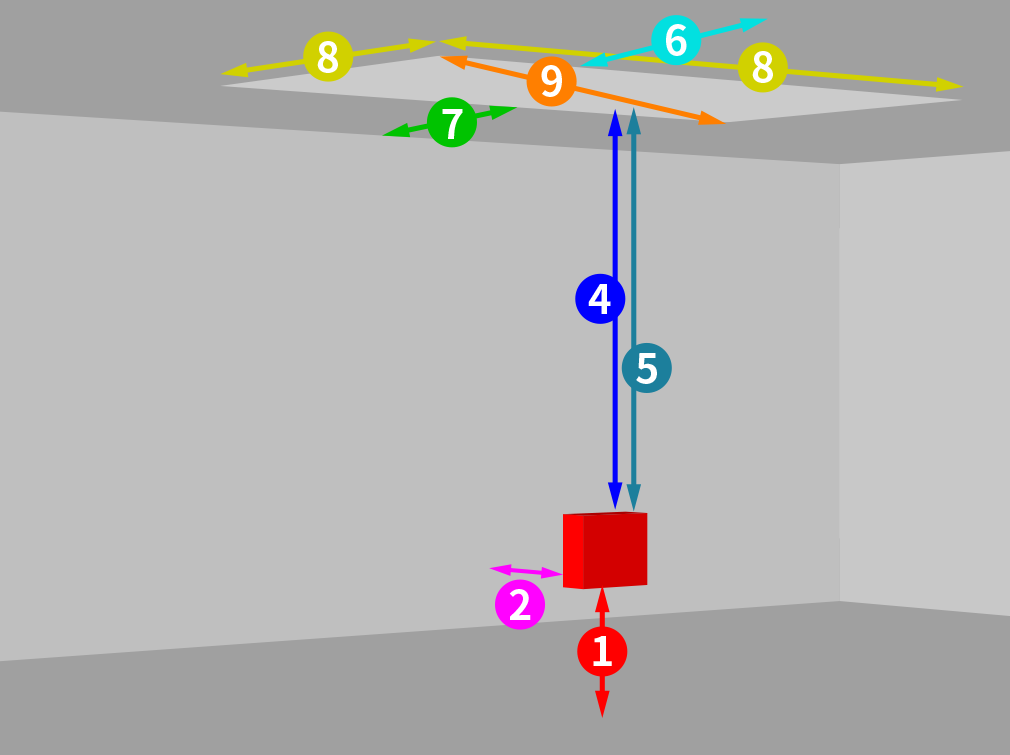 Larger view
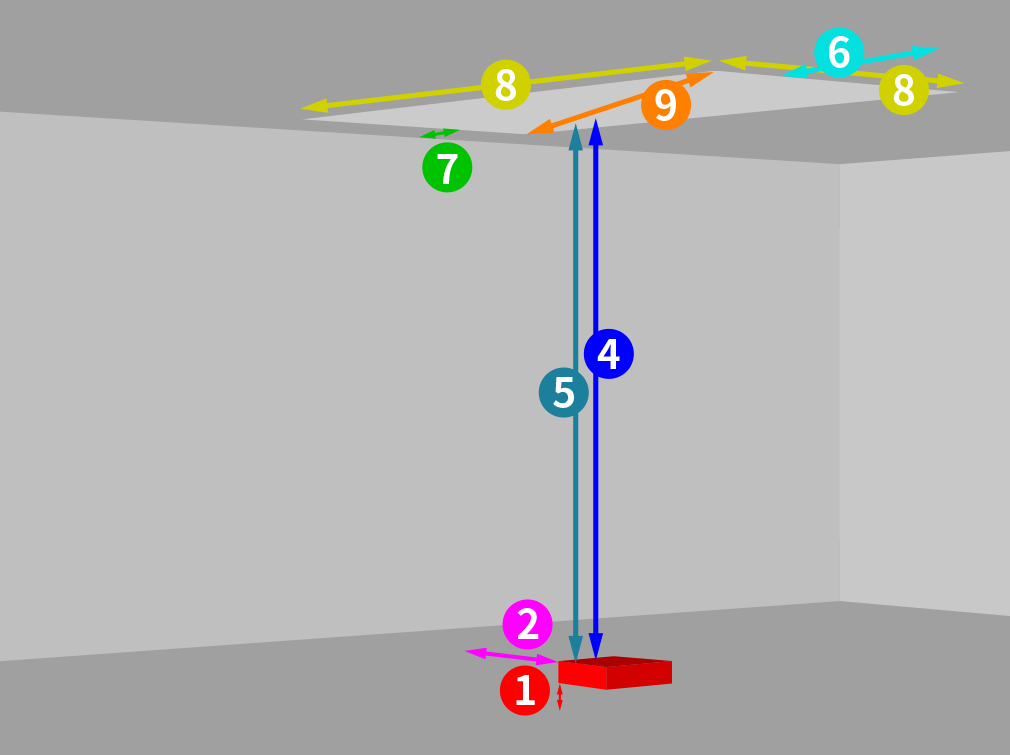 Larger view
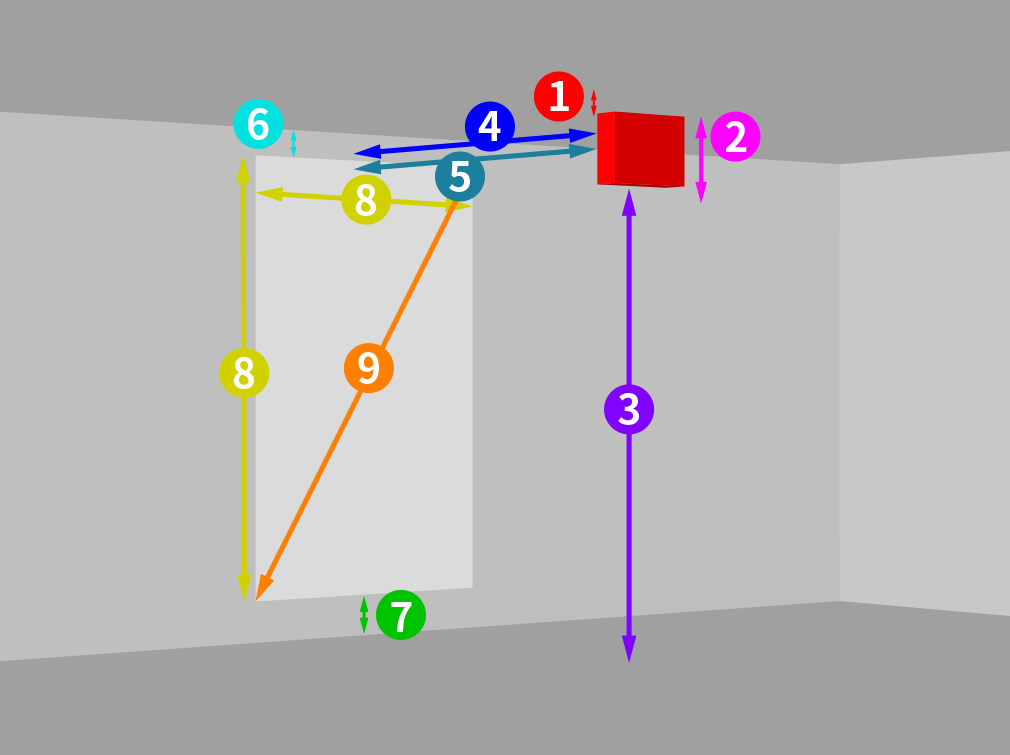 Larger view
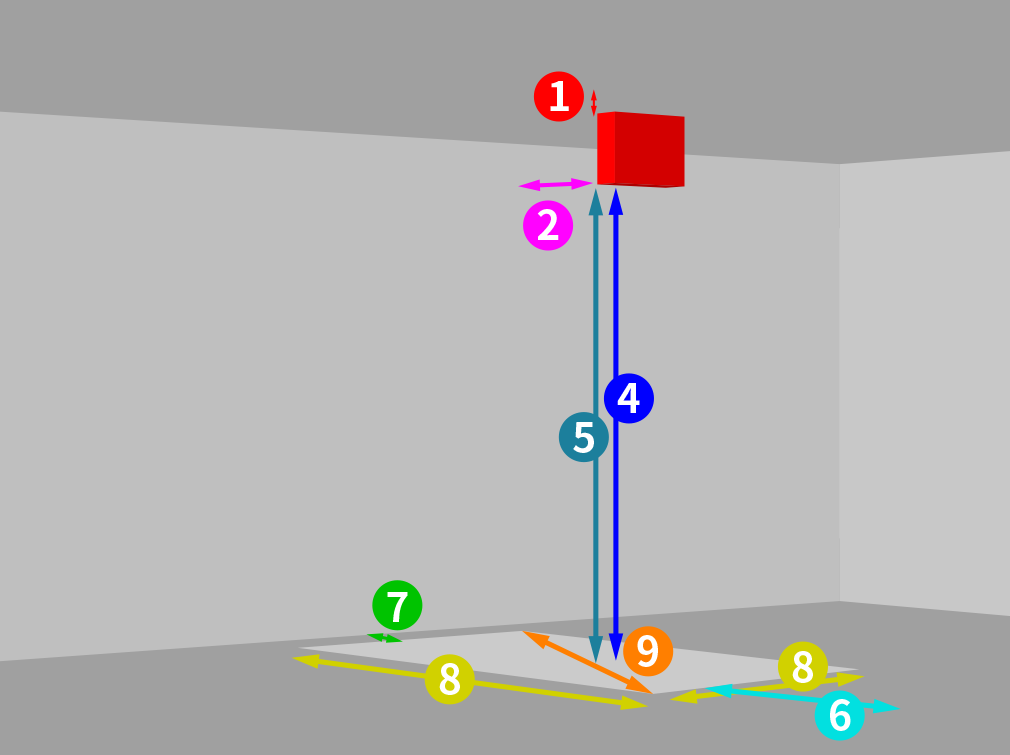 Larger view
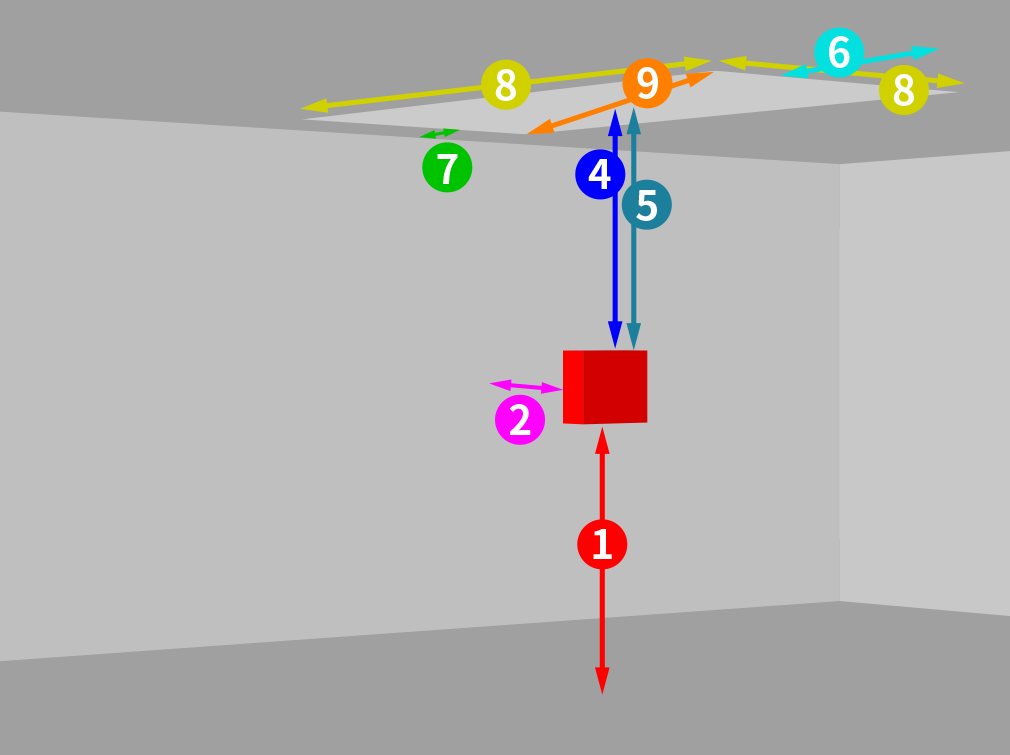 Larger view
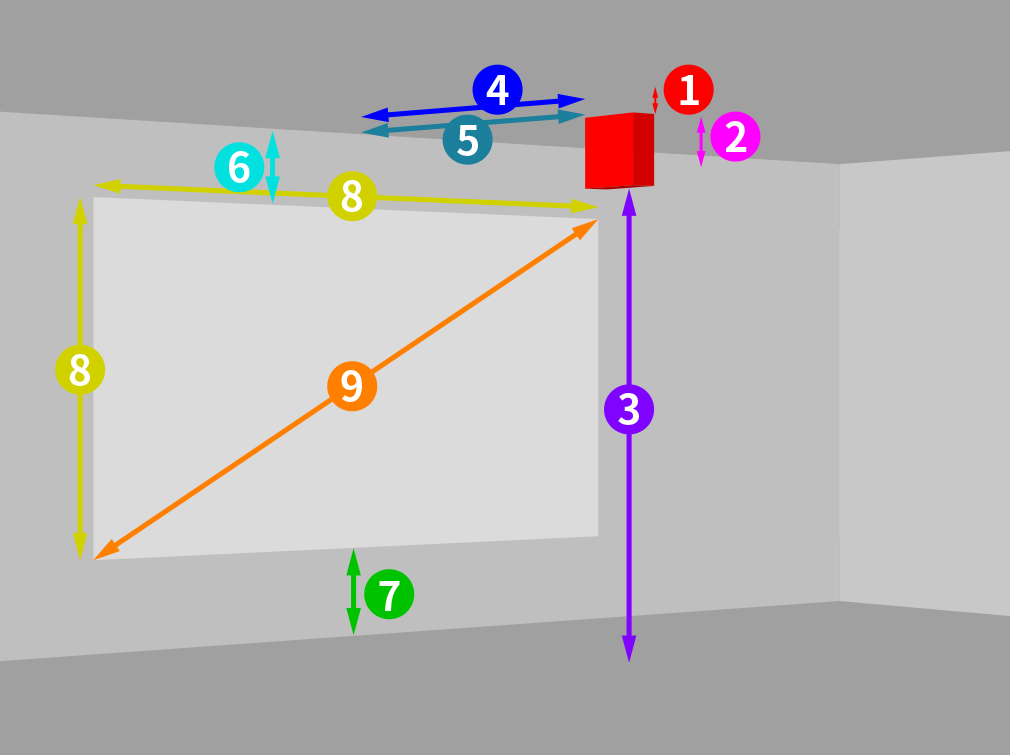 Larger view
 Larger view
 Larger view
 Larger view
 Larger view
Can not project
Larger view
Can not project
*Gray area: You cannot project here because the body is between the lens and screen.
Mode:
部屋の奥行きを超える距離を入力できません
Close
You can save up to 3 settings.
| Room | Projecter | Lens | Screen | Mode | Date | Share | Delete | |
|---|---|---|---|---|---|---|---|---|
| 1 |  |
 |
||||||
| 2 | |
|
||||||
| 3 | |
|

Projection Simulator Report
| Room size | Depth 9999.99m | Width 9999.99m | Height 9999.99m | ||||||||||
|---|---|---|---|---|---|---|---|---|---|---|---|---|---|
| Projector setting | Installation style 床 | ||||||||||||
| Projection method | 壁 projection | ||||||||||||
| Lens setting | Mount rotation +90 | Lens rotation ± 0° | Optical Zoom x1.0 | ||||||||||
| Screen contrast |
|
||||||||||||
Preview
Can not project
Front view
Side view
Top view
Simulation results

From floor to bottom of main unit From ceiling to bottom of main unit
9999.9m

From lower edge of screen to ground point on the same side From lower edge of screen to bottom of main unit From upper edge of screen to bottom of main unit
9999.9m

From ceiling to projector's top cover From floor to top cover of main unit
9999.9m

Projection distance (from screen to lens surface)
9999.9m

From screen to top of main unit From screen to front of main unit
9999.9m

From top surface of screen's upper edge to upper direction wall From ceiling to upper edge of screen From floor surface of screen's upper edge to upper direction wall
9999.9m

From top surface of screen's lower edge to lower direction wall Floor to lower edge of screen From floor surface of screen's lower edge to lower direction wall
9999.9m

Screen size (width x height)
9999.9inch

Screen size (diagonal inches)
9999.9inch
Screen size (area)
9999.9m
Screen illuminance (lx)
9999.99lx
Lens shift (vertical direction)
100%
Lens shift (horizontal direction)
100%
Can not project



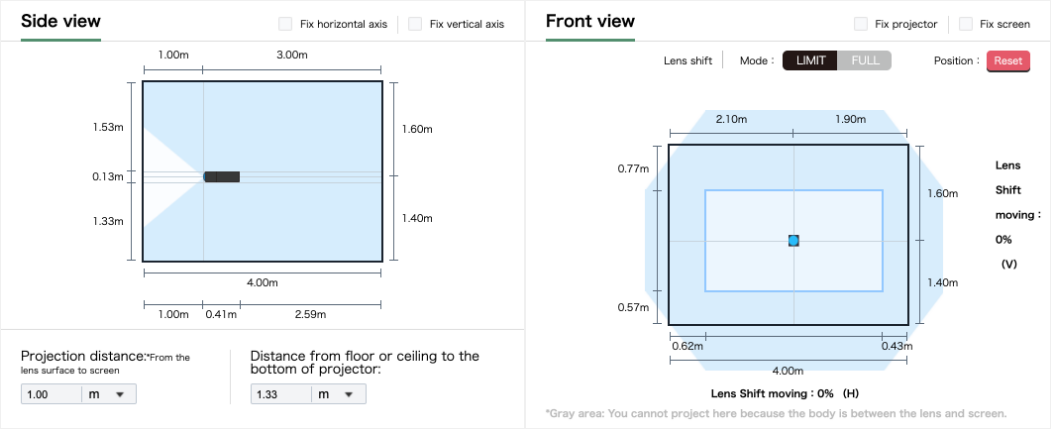

Here is explanation of basic specifications for the model.
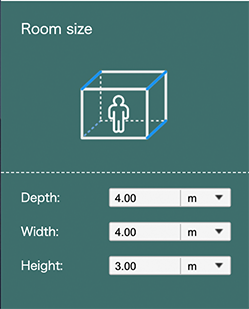
Here you can change the room size and measurement unit (m/inch/ft)
Here you can change the measurement unit at a once.
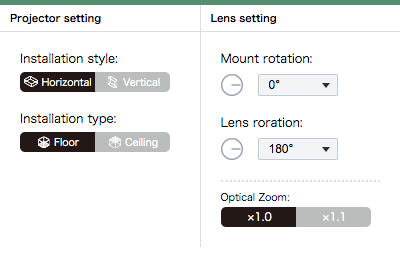
Here you can choose installation style .
Here you can choose installation type.
Here you can set mount rotation angle.
Here you can set lens rotation angle.
Here you can set optical lens zoom ratio.
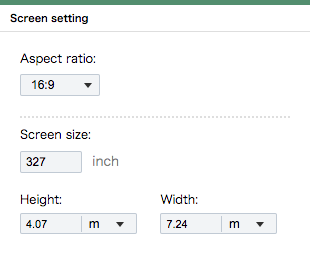
Here you can change aspect ratio from 16:9, 16:10, and 4:3.
Here you can set screen size.
*Please note that you can set the figures out of specification.
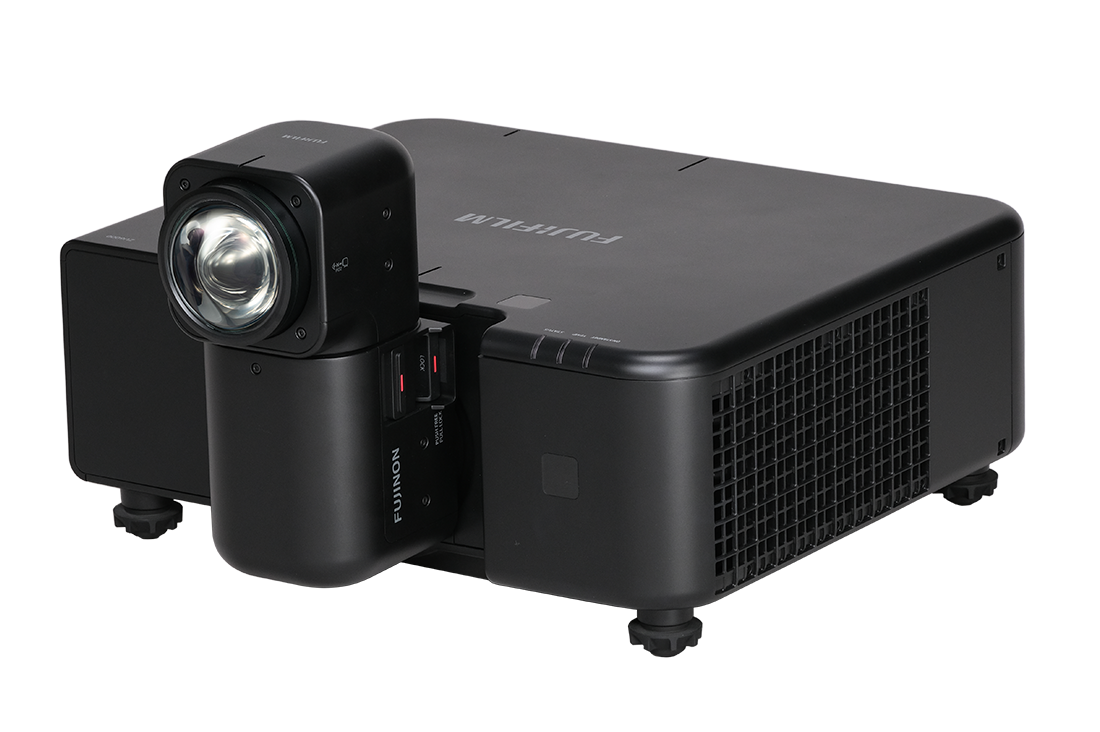
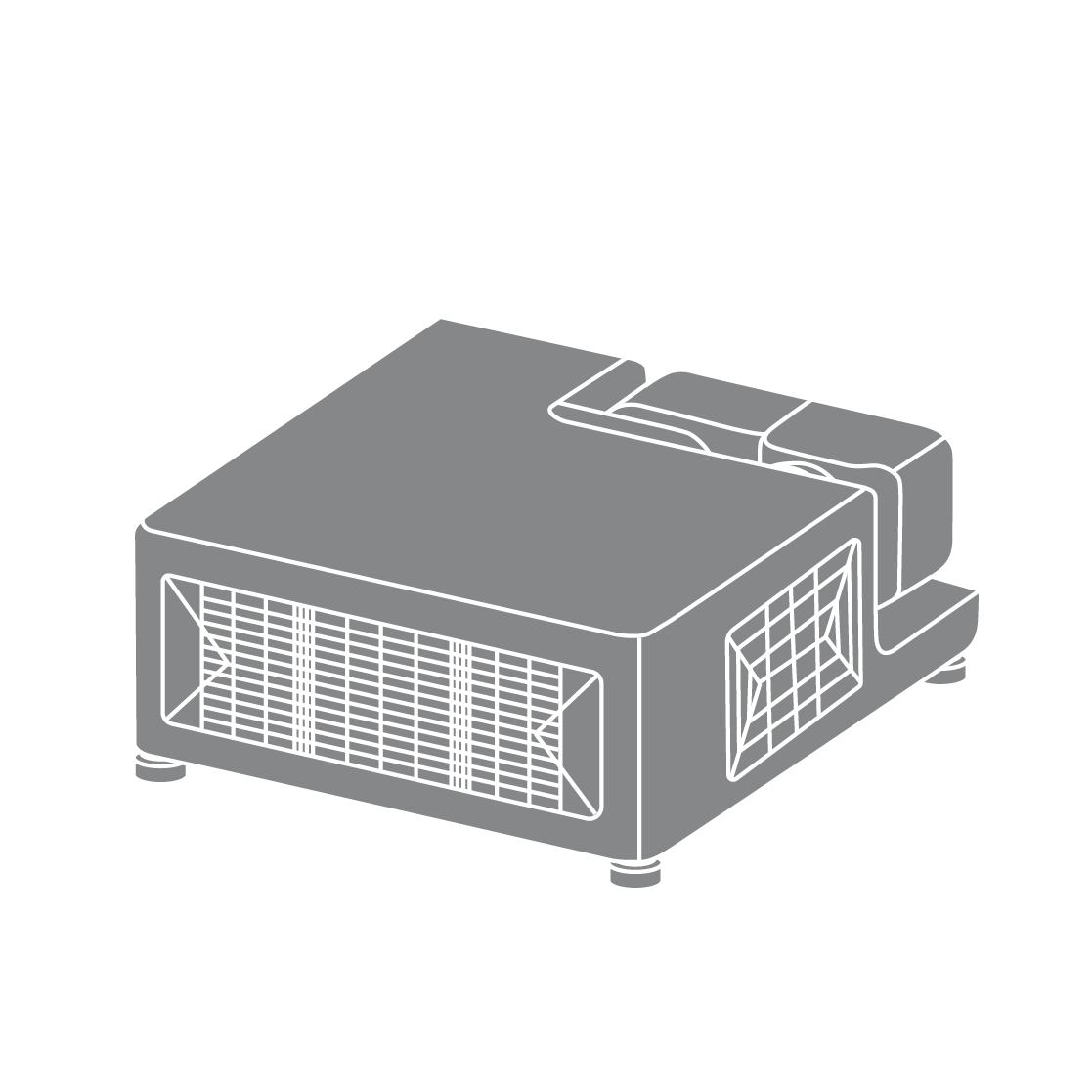
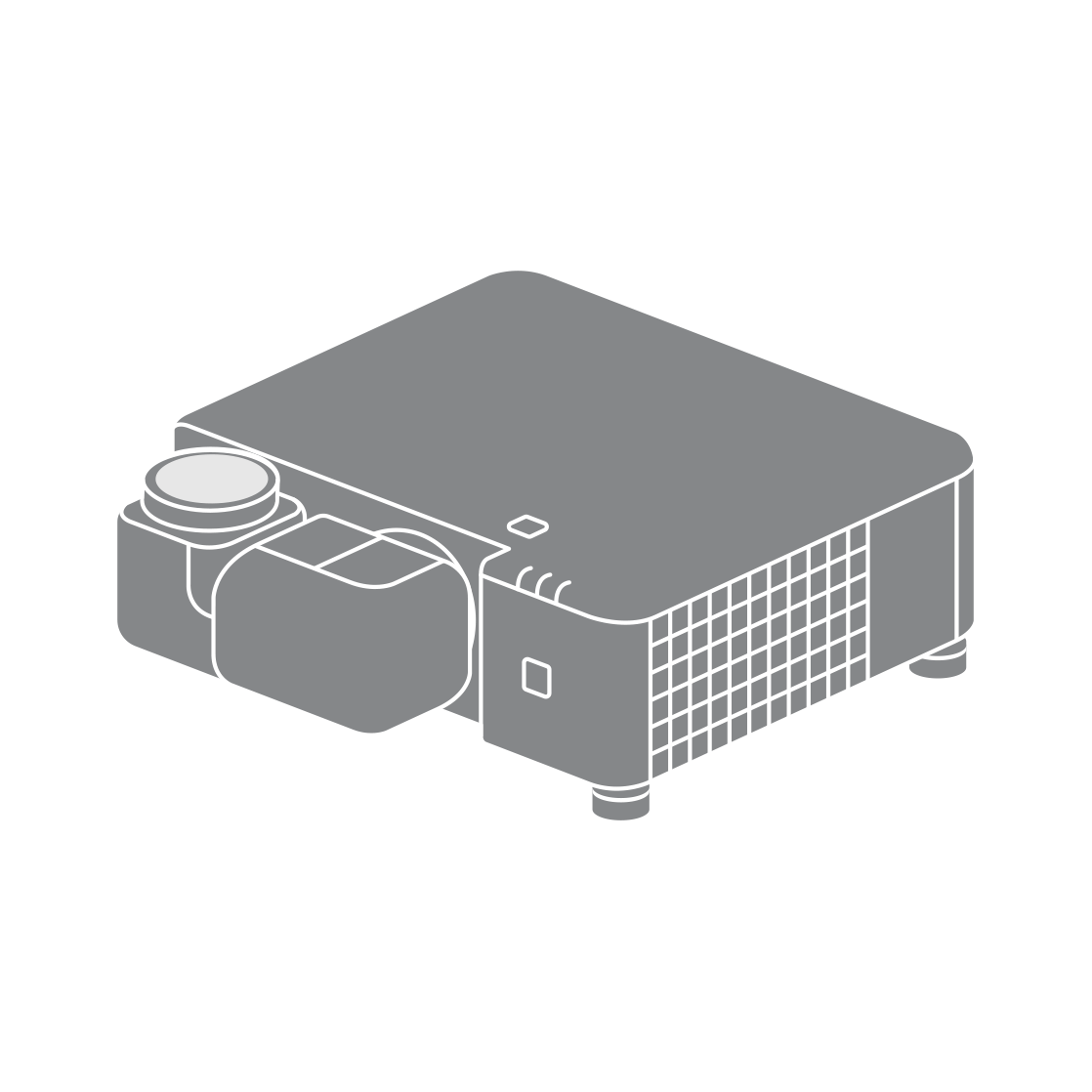
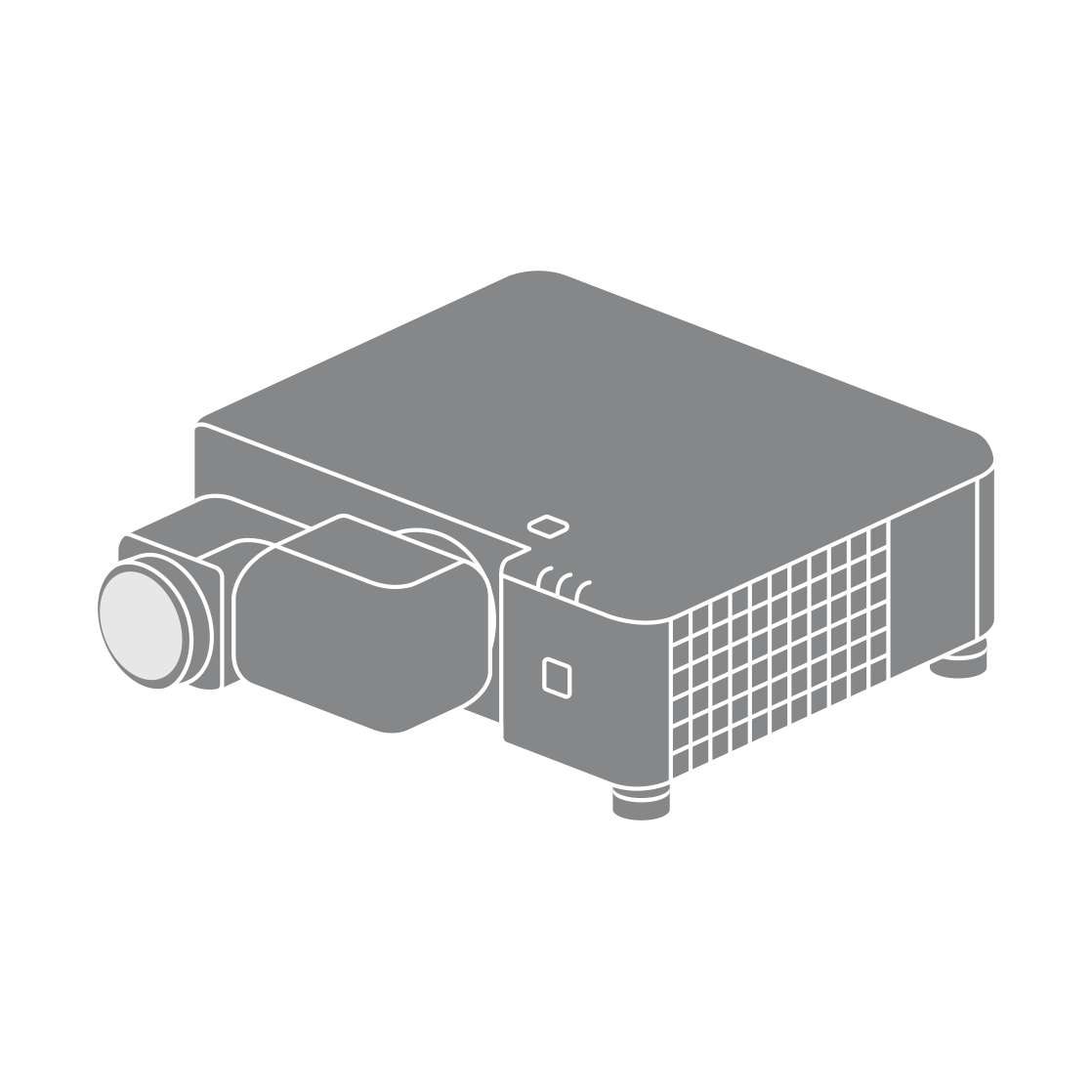
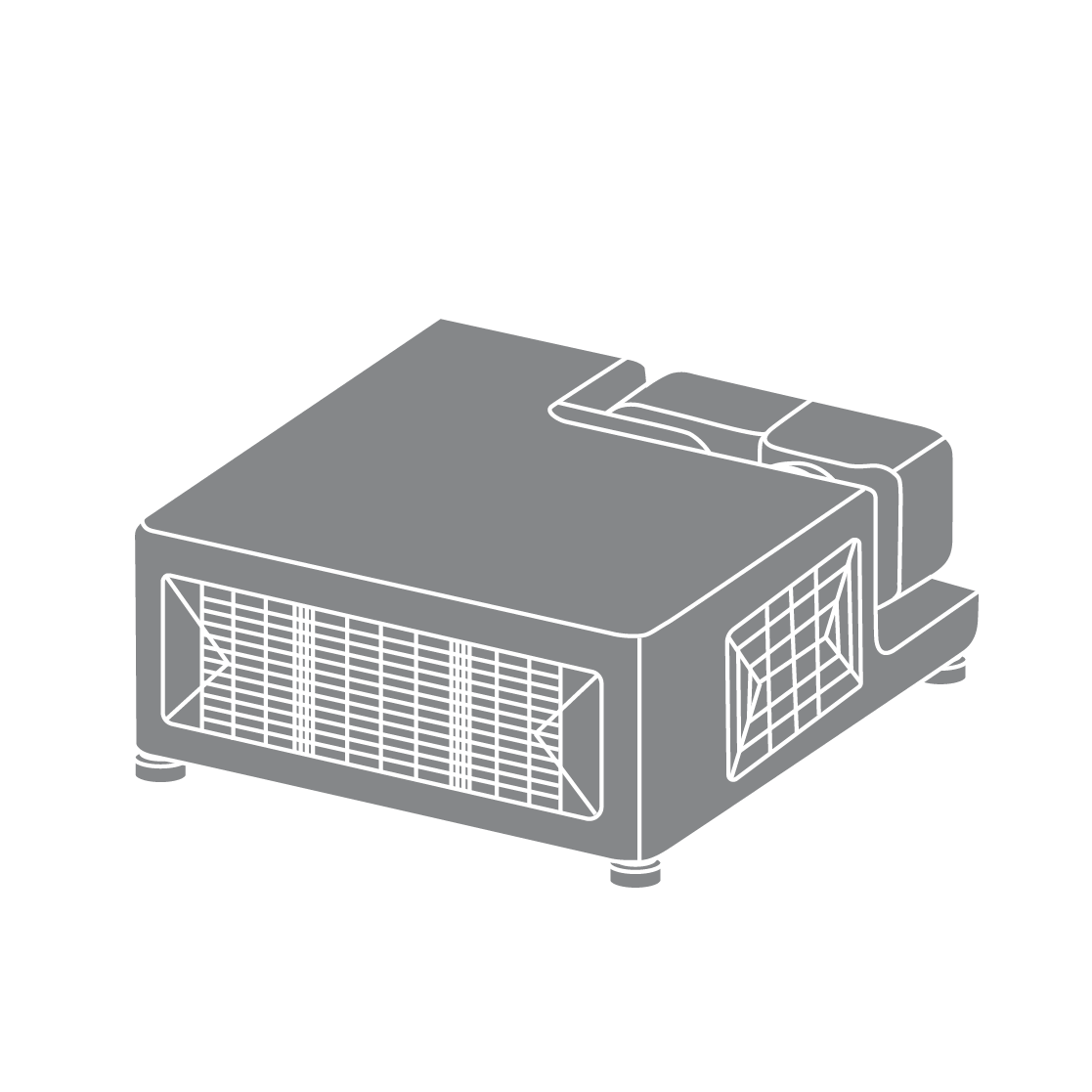
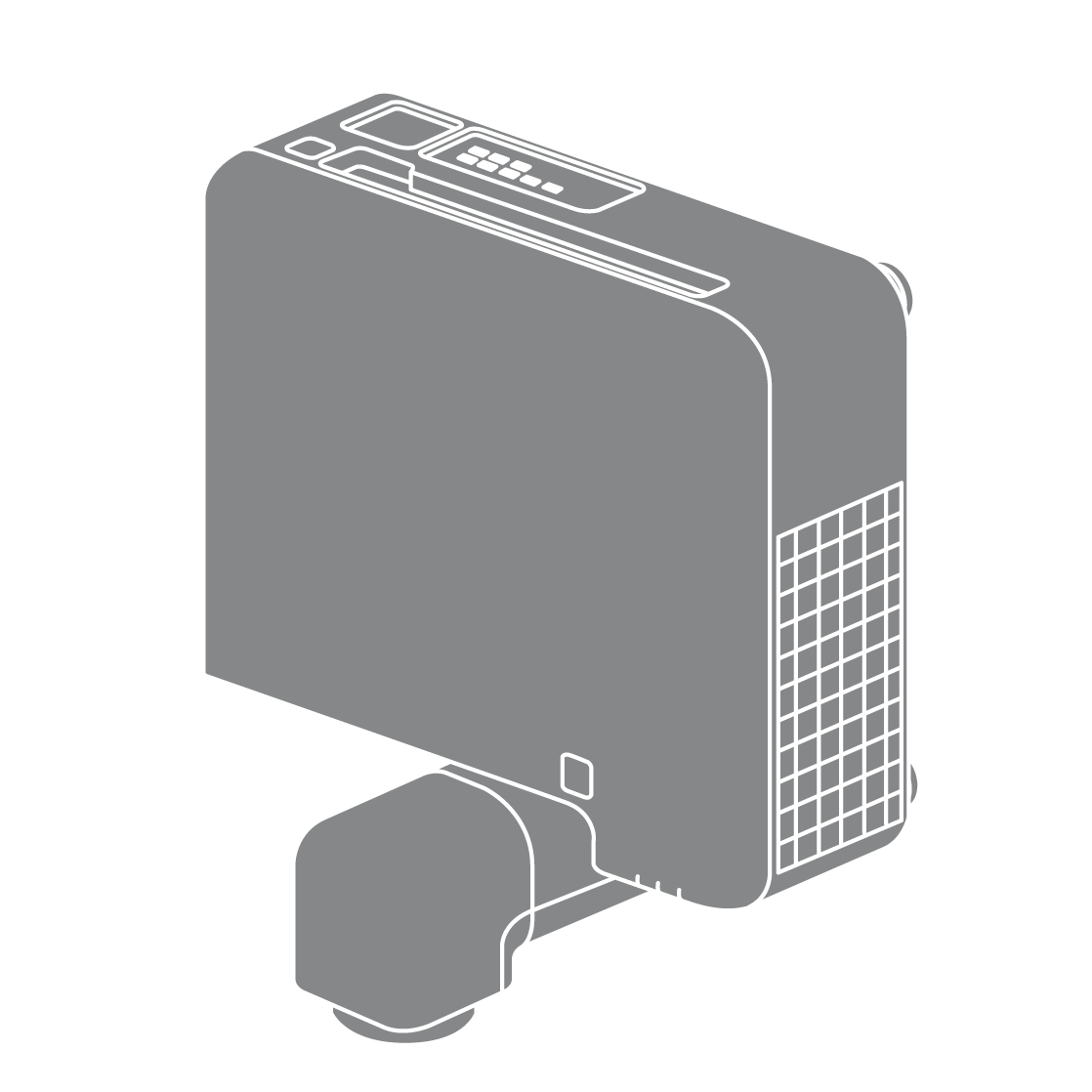
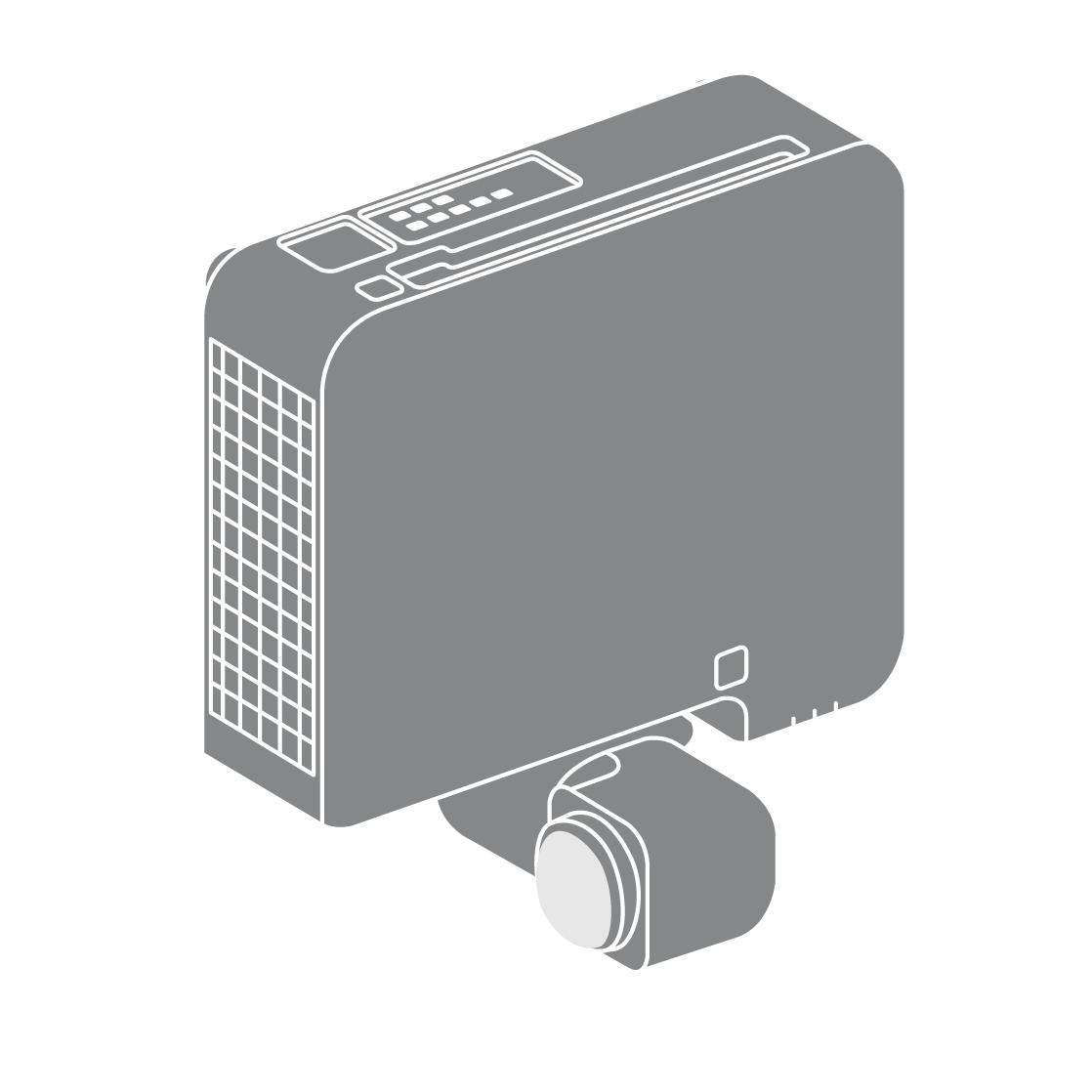
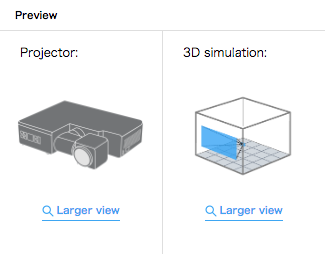
Here you can preview the shape of FP-Z5000 in accordance with settings.
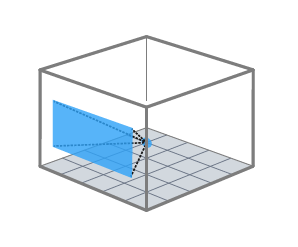
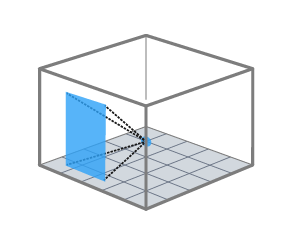
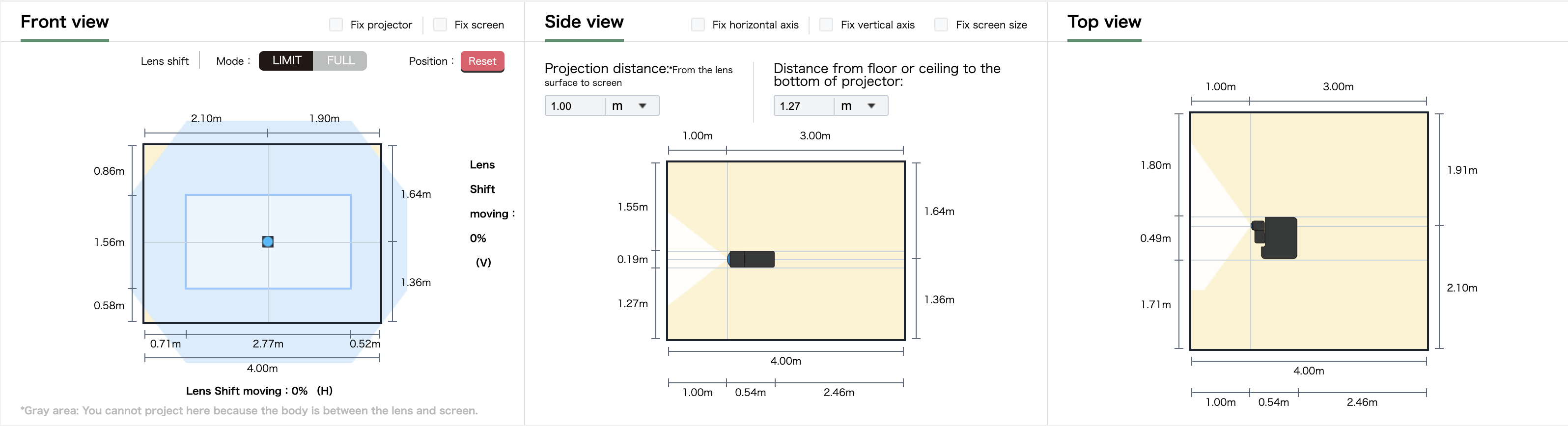
Here you can preview projection in accordance with settings.
Adjust the projection position and projector placement.
You can check the placement and lens shift by dragging the lens center point illustration or the projection screen.
Here you can adjust the position of projector by dragging the projector icon . Also you can adjust position of screen within lens shift area by dragging the screen. The upper and right axis shows the distance to the center of lens of projector, and the bottom and left axis shows the distance to the corner of screen . *Please note that you can set the figures out of specification .
You can adjust the position of the projector while keeping the horizontal axis (depth), vertical axis (height), and screen size fixed.
You can adjust position of projection, fixing the position of projector or screen.
You can check the results of various simulations.
You can check the brightness of the screen based on ambient light.
Here you can adjust the position of projector by dragging the projector icon.
You can check the shape of the projector and projection light as seen from the ceiling view.

Comment