
 .
.Using the Menus
To display the menus, press the MENU button on the main unit control panel or remote control.
-
The menus are displayed when you press the MENU button on the control panel or remote control.
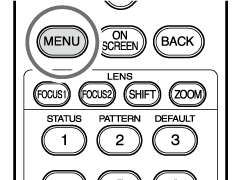
Remote control
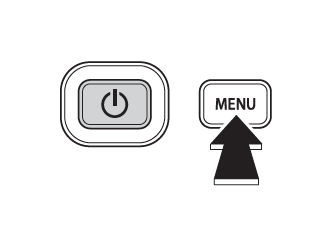
Control panel
-
Use the selector (left/right) button to select the desired menu.
DISPLAY
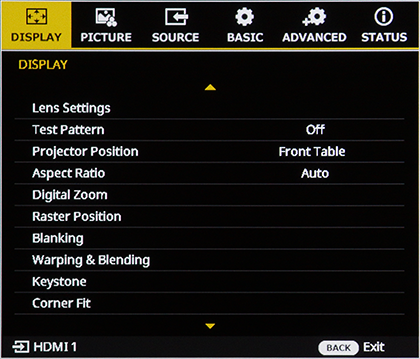
Picture
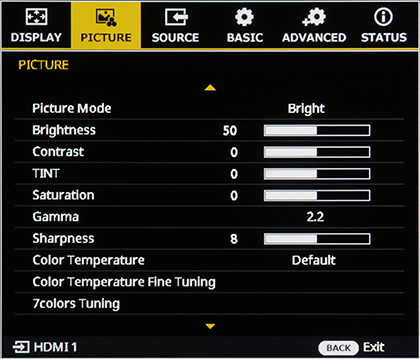
SOURCE
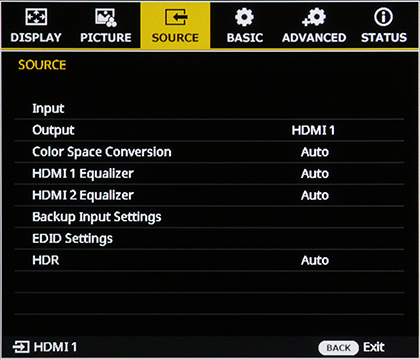
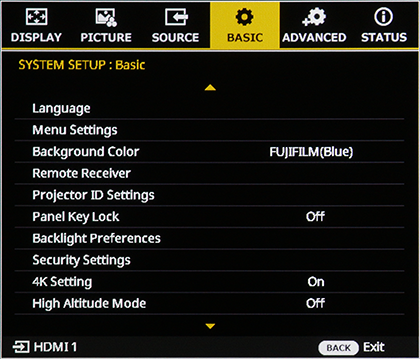
Basic System Setup
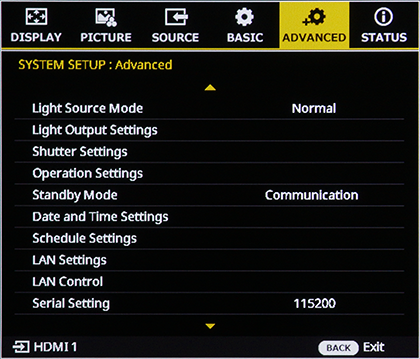
System Settings: Advanced
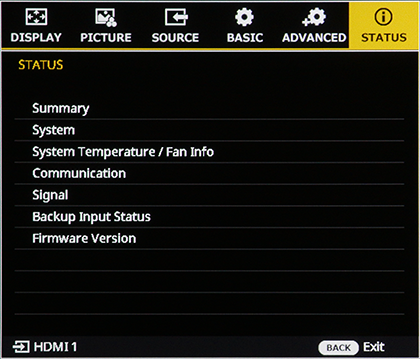
STATUS
-
Use the selector (up/down) button to select a menu item.
-
Use the selector (left/right) button to choose a setting value.
b Note
For menus that display "ENTER", press the ENTER button to open the settings menu and then configure the settings.
-
Press the BACK button to Exit.